
Looking for the best online invitation maker? The right choice depends on what you need most: flexible design, a free option, online RSVP, video invitations, easy sharing, or a polished digital invitation for a wedding, birthday, or party.
We compared eight popular invitation makers to help you quickly understand what each platform is best suited for, which features it offers, and what to consider before choosing one.
Best Online Invitation Makers at a Glance
| Invitation maker | Best for | Online RSVP | Video / motion | Free option | Sharing |
|---|---|---|---|---|---|
| 1. TwistInvite | Video-first digital invitations with RSVP | Yes | Video-first | Free to start | Shareable link |
| 2. Canva | Flexible DIY invitation design | Not a core RSVP platform | Video and design tools | Yes | Download or digital sharing |
| 3. Paperless Post | Digital stationery and polished online invitations | Yes | Not video-first | Free and paid options | Email, text, or link |
| 4. Evite | Everyday events and guest management | Yes | Not video-first | Yes | Digital invitation sharing |
| 5. Greenvelope | Formal digital invitations with RSVP | Yes | Animated envelope experience | Free to design | Email, text, or link |
| 6. Partiful | Casual parties and social events | Yes | Visual event pages | Yes | Link, text, or email |
| 7. Adobe Express | DIY invitation graphics and videos | Not a core RSVP platform | Yes | Yes | Download or share |
| 8. Greetings Island | Simple digital and printable invitations | Yes | Not video-first | Free options | Link, QR, or digital sharing |
Feature availability and pricing can change. Check the current platform before committing to an important event.
1. TwistInvite — Best for Video-First Digital Invitations With RSVP
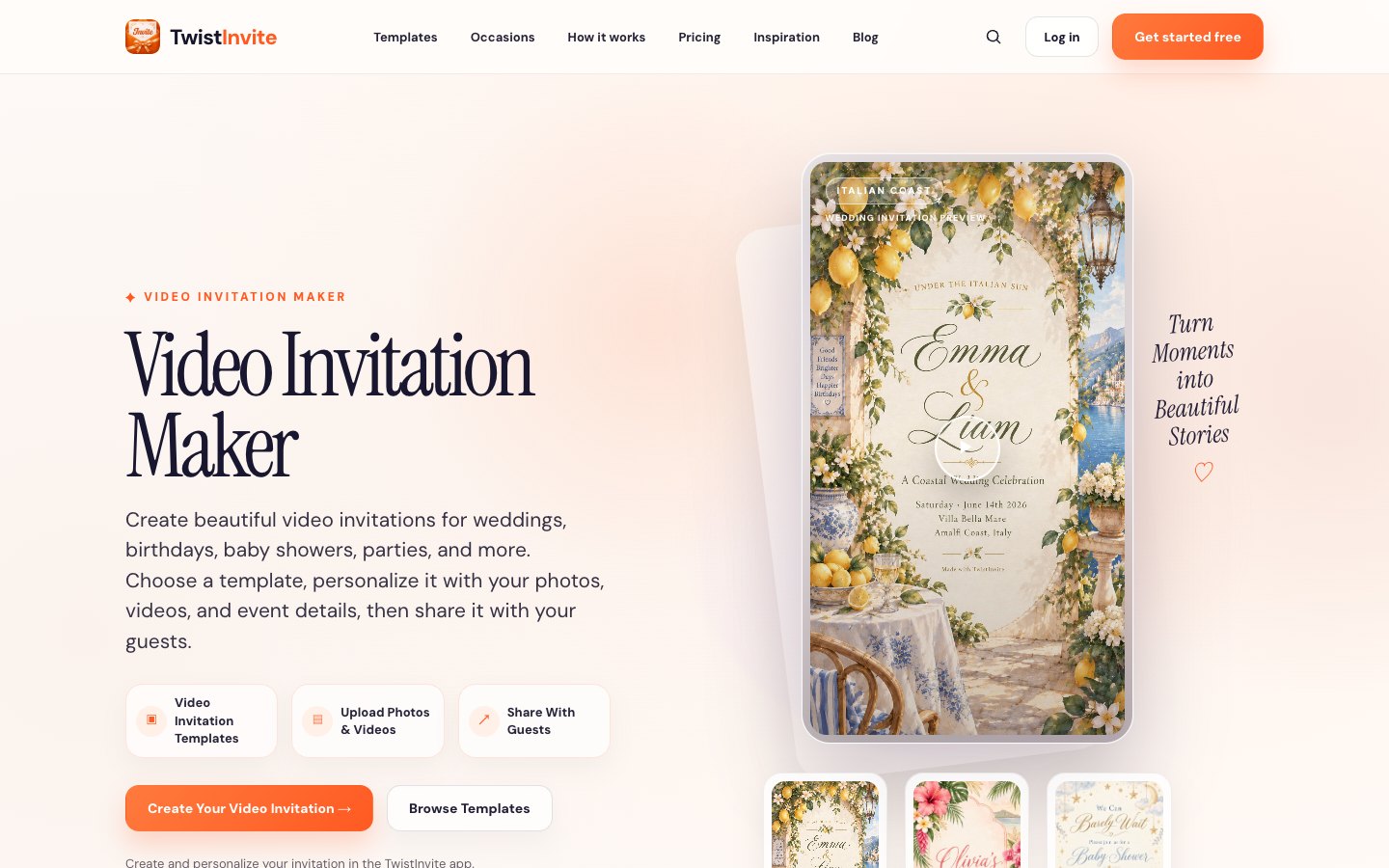
Most digital invitation makers begin with the idea of recreating a traditional card on a screen. TwistInvite takes a different approach: the invitation itself can become part of the event experience.
Hosts can create digital and video-first invitations, personalize event information, use supported photos or video, share the finished invitation with guests, and collect RSVP responses online.
Guests can open an invitation experience, view the event, and respond with Going, Can’t make it, or Maybe. RSVP responses can include guest details such as name, email, phone number, number of guests, and an optional message.
That combination makes TwistInvite especially useful when both visual impact and RSVP matter. A wedding invitation can feel cinematic and emotional, while a birthday invitation can use motion and imagery to establish the party atmosphere before guests arrive.
If motion is the main reason you are moving away from a traditional card, explore the video invitation maker. If guest responses are the priority, see how the RSVP website experience works.
TwistInvite is free to start, with paid usage or features potentially applying depending on how you use the product.
TwistInvite is a good fit if you:
- Want something more dynamic than a static invitation card.
- Want video or motion to be central to the invitation.
- Need RSVP as part of the invitation experience.
- Expect most guests to open the invitation on their phones.
- Are creating a wedding, birthday, baby shower, party, or visually driven celebration.
You can also browse wedding invitations or digital birthday invitations for event-specific ideas.
2. Canva — Best for Flexible DIY Invitation Design
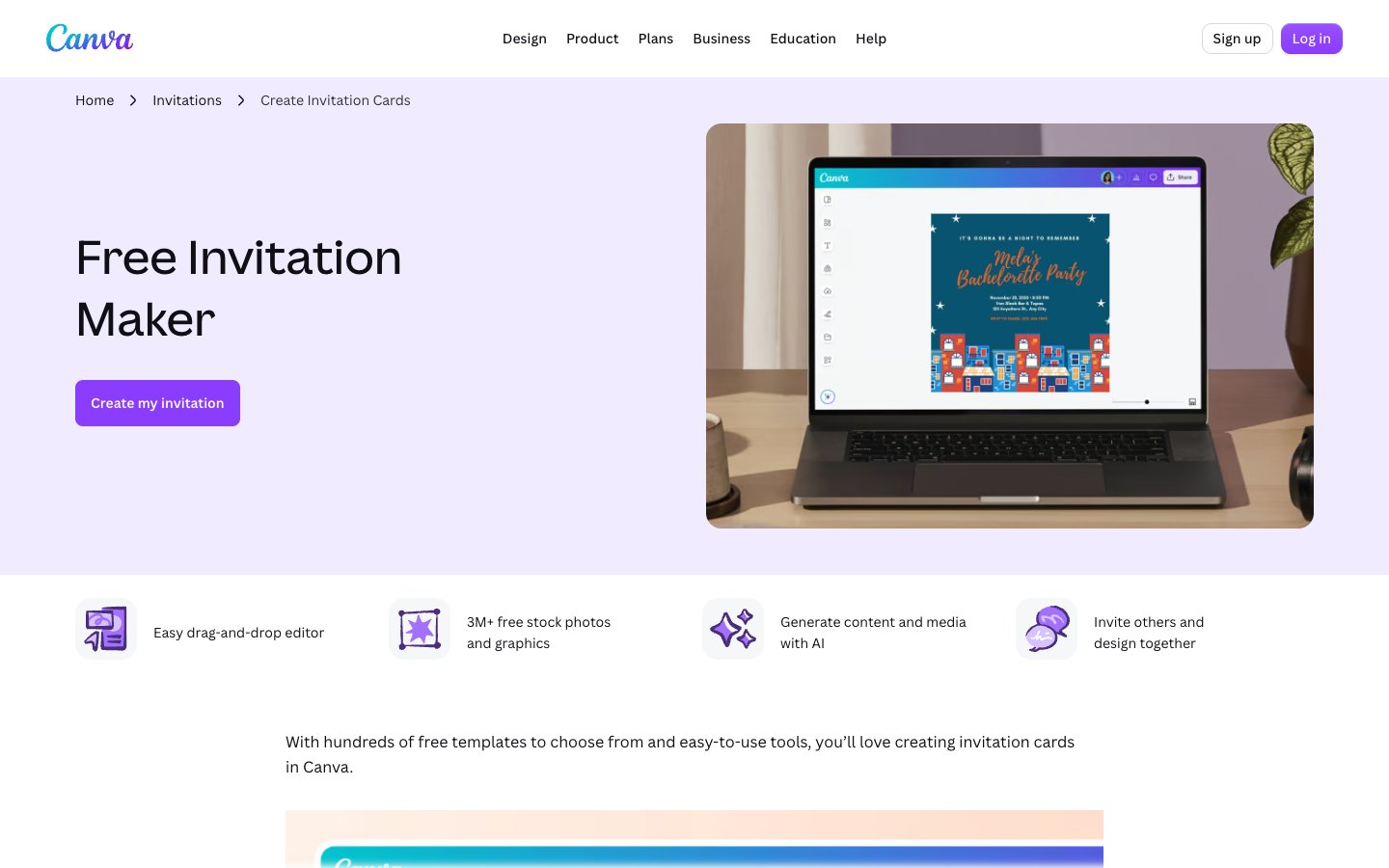
Canva is a strong choice when your main priority is design freedom.
Its invitation maker offers customizable templates, a drag-and-drop editor, stock photos and graphics, AI-assisted design features, and collaborative editing. Canva describes its invitation library as covering occasions from birthdays and weddings to retirement parties and charity events.
The biggest advantage is control. You can change typography, colors, layouts, photographs, illustrations, backgrounds, and other design elements without professional design software.
That also makes Canva useful when an invitation is only one part of a larger visual package, such as matching social posts, menus, signs, or thank-you cards.
The tradeoff is that Canva is a broad design platform rather than an RSVP-first event platform. If collecting and organizing guest responses is your main requirement, a dedicated invitation or RSVP product may require fewer separate steps.
Canva is a good fit if you:
- Want significant control over the visual design.
- Already use Canva for other content.
- Want a large invitation template library.
- Need matching event graphics.
- Do not need RSVP to be the center of the invitation experience.
3. Paperless Post — Best for Digital Stationery
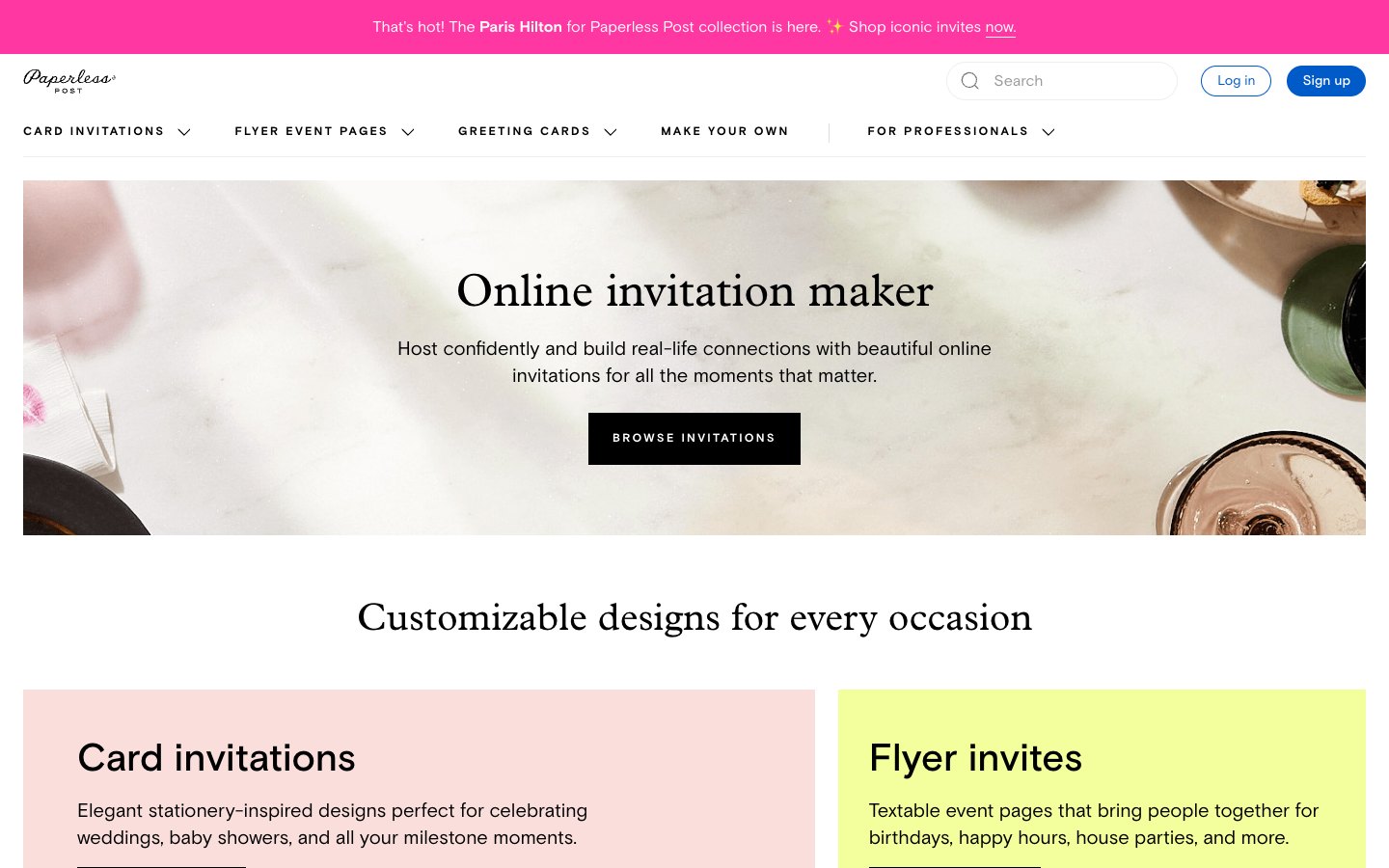
Paperless Post is designed around the feeling of polished stationery delivered digitally.
Its online invitations can be shared by email, text, or link, and the platform includes RSVP tracking, event pages, guest questions, and messaging tools. Paperless Post offers both free and paid invitation options, with pricing and sending terms varying by product and design.
This makes Paperless Post attractive when you like the appearance of traditional printed invitations but want digital delivery and guest management.
The product is especially relevant to weddings, dinner parties, showers, professional events, and celebrations where the invitation should feel refined rather than casual.
Paperless Post is a good fit if you:
- Prefer stationery-inspired design.
- Want built-in RSVP.
- Want to send invitations by email, text, or link.
- Need guest messaging or response tracking.
- Prefer a traditional invitation aesthetic in digital form.
4. Evite — Best for Everyday Events and Guest Management
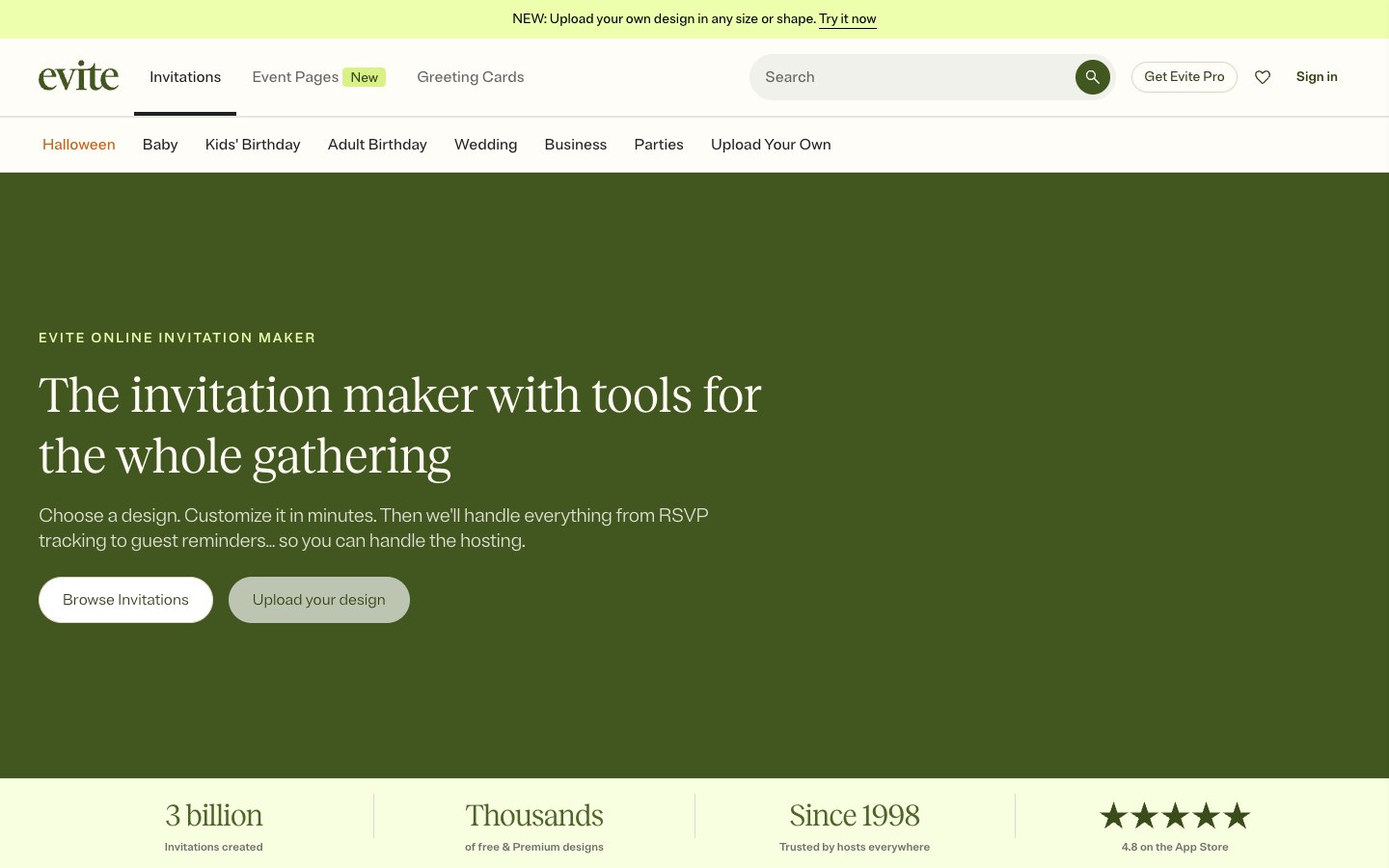
Evite combines online invitation templates with practical hosting tools.
Its invitation maker includes free and Premium templates, real-time RSVP tracking, and mobile guest-list management.
That makes Evite practical for hosts who care as much about managing the event as designing the invitation. Instead of focusing primarily on cinematic visuals or custom creative production, the platform is built around sending an invitation, seeing who is coming, and communicating with guests.
Evite is a good fit if you:
- Want RSVP tracking and reminders.
- Need to communicate with guests after sending an invitation.
- Are organizing birthdays, showers, dinners, holiday events, or everyday parties.
- Prefer an established online-invitation workflow.
- Want free and paid template options.
5. Greenvelope — Best for Formal Digital Invitations
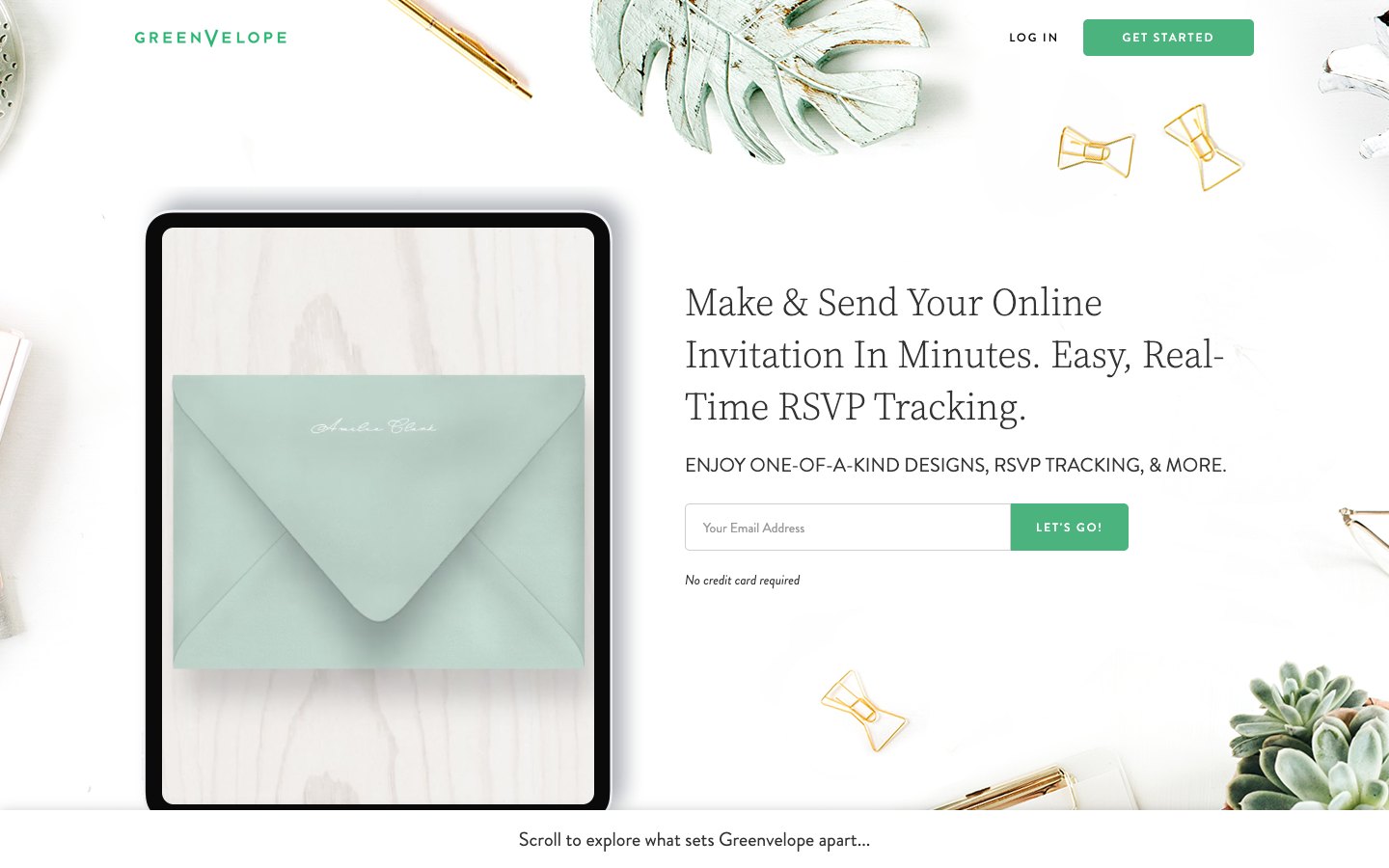
Greenvelope combines formal digital stationery with RSVP and guest-management functionality.
Its invitation experience can include a personalized animated envelope, RSVP tracking, custom questions, and delivery by email, text, or shareable link. Hosts can create and preview a design before choosing a paid sending package based on guest count.
The visual approach is intentionally closer to formal stationery than a casual party page. That can make it appealing for weddings, milestone celebrations, formal dinners, corporate functions, and events where presentation matters.
Greenvelope is a good fit if you:
- Want formal digital stationery.
- Like an animated envelope presentation.
- Need built-in RSVP.
- Want structured guest management.
- Are planning a wedding or more formal event.
6. Partiful — Best for Casual Parties and Social Events
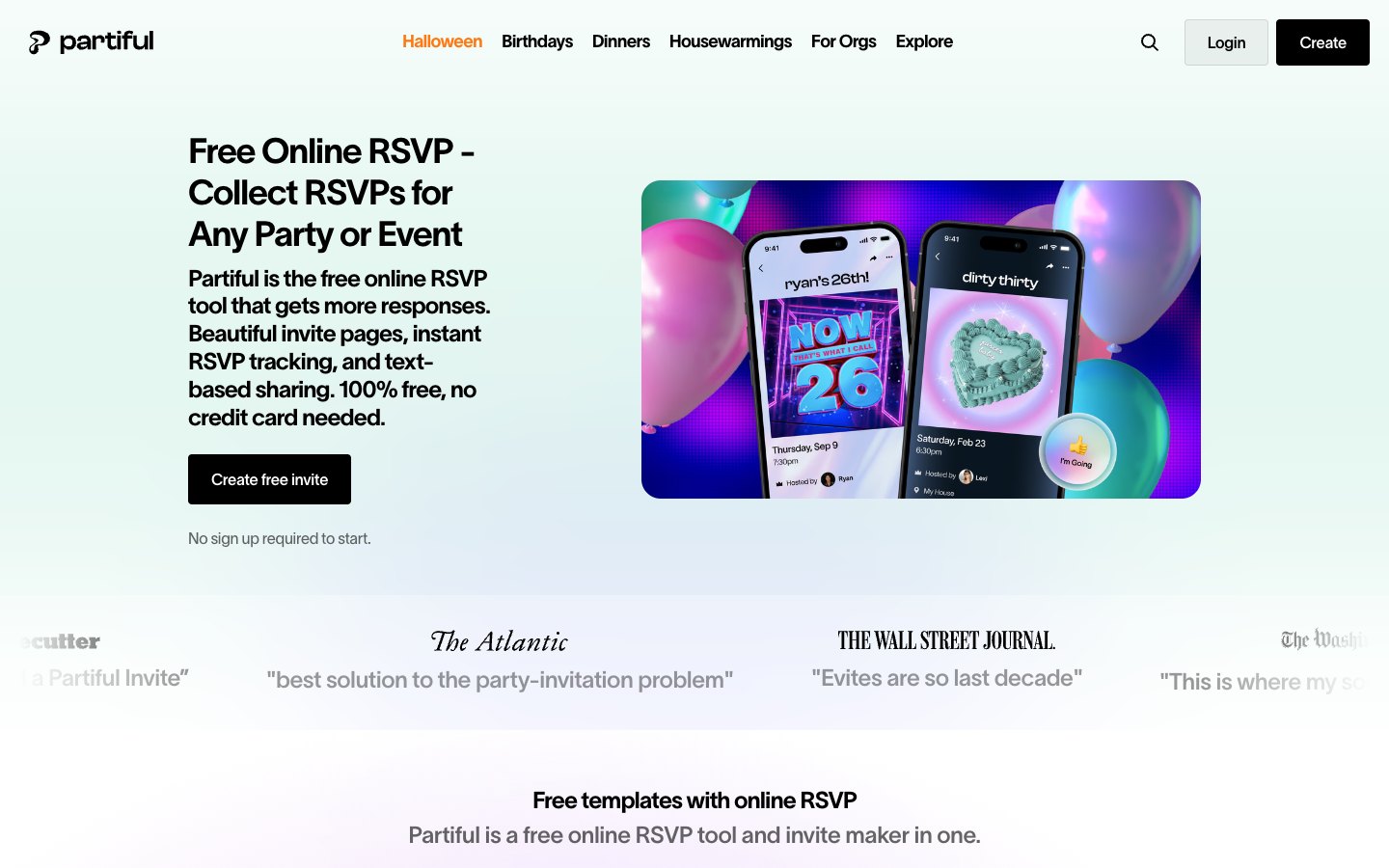
Partiful takes a noticeably more social approach to online invitations.
Hosts create a visual event page, add event details, and share the invitation through text, email, social apps, or a copied link. Guests can RSVP from the event link, while hosts can set RSVP limits, ask guest questions, and see responses in real time.
The overall experience feels closer to a social party page than traditional stationery.
Partiful is a good fit if you:
- Are organizing a casual party or social gathering.
- Want guests to RSVP quickly from a link.
- Prefer a modern, informal event page.
- Need simple social sharing.
- Care more about participation and communication than formal stationery.
7. Adobe Express — Best for Designing Invitation Videos Yourself
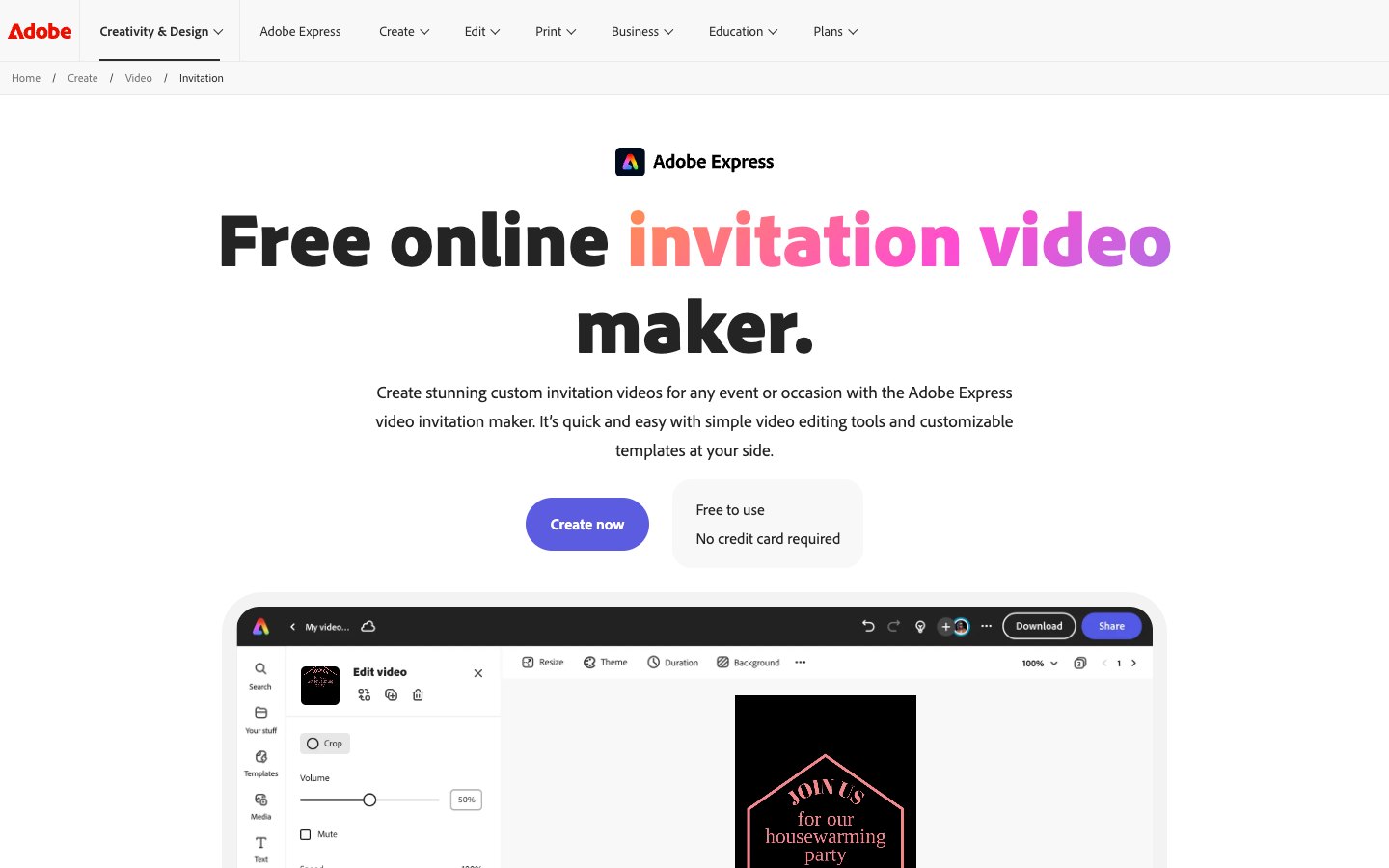
Adobe Express is a strong option when your main goal is creating the invitation asset itself.
Its invitation video maker includes customizable templates, uploaded media, text, graphics, sound effects, transitions, resizing, trimming, and downloadable output.
That makes Adobe Express useful for people who want to manually edit a video invitation. The distinction is important: Adobe Express is primarily a creative tool rather than an end-to-end RSVP platform.
If you enjoy editing and want granular control over the finished video, that may be exactly what you need. If you would rather start from an invitation experience designed around video and guest responses, a dedicated video invitation maker may be a better match.
Adobe Express is a good fit if you:
- Want to manually edit an invitation video.
- Need trimming, transitions, sound, or video editing controls.
- Want to create both static and video assets.
- Do not require RSVP to be built into the creative tool itself.
- Already use Adobe products.
8. Greetings Island — Best for Simple Digital and Printable Invitations
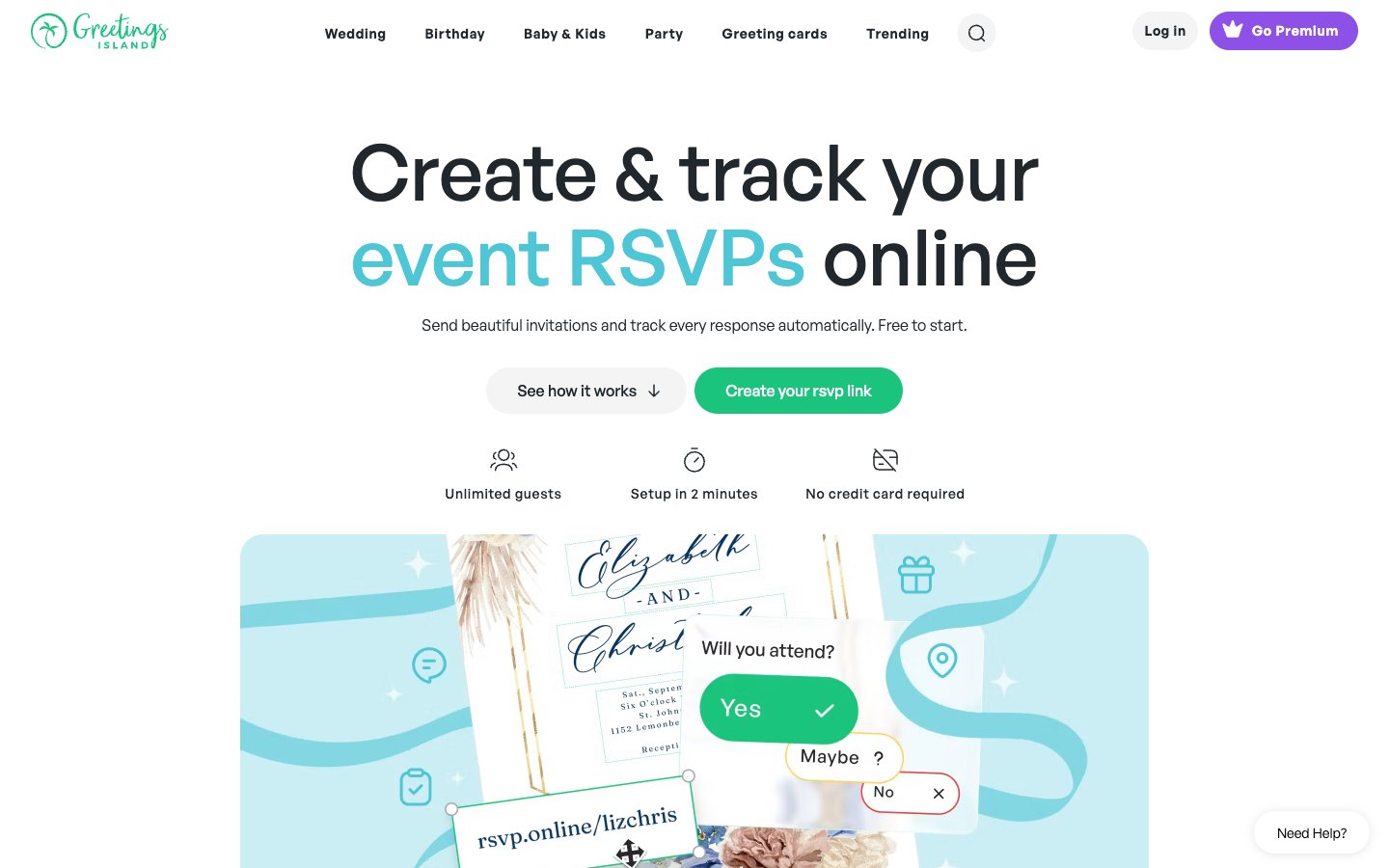
Greetings Island is designed for users who want to customize an invitation quickly without building an entire design from scratch.
Its RSVP tools can generate a shareable page and let hosts distribute invitations using a link or QR code. Invitations can also be downloaded, printed, emailed, or sent through messaging.
That flexibility is useful if you are not completely committed to digital-only invitations. You could create one design, print copies for some guests, and send a digital version with RSVP to everyone else.
Greetings Island is a good fit if you:
- Want a simple template-based process.
- Need digital and printable options.
- Want online RSVP without a complex workflow.
- Like QR-code or link sharing.
- Do not need a video-first invitation experience.
Free Invitation Makers: What Does “Free” Actually Mean?
A free invitation maker is not always completely free from design to final event. Different platforms use the word “free” in different ways.
One platform may let you design an invitation for free but charge for certain templates or assets. Another may allow free sending up to a particular limit. A third may offer free RSVP but charge for premium designs or advanced features.
1. Is creating the invitation free?
Some platforms allow you to customize free templates without paying. Others mix free and premium designs in the same library.
2. Is sending the invitation free?
This is different from free design. A platform may let you create the invitation for free while charging based on the number of guests or the chosen design.
3. Is online RSVP included?
If you need a headcount, check whether RSVP is built into the invitation or whether guests need another tool. Read how online invitations with RSVP work, then explore the dedicated RSVP website experience.
4. Are important features locked behind a paid plan?
Check whether your preferred template, guest capacity, video features, exports, or event-management tools require an upgrade.
The useful question is not only “Is this invitation maker free?” It is “Can I complete the invitation experience I need for free?”
How to Choose an Online Invitation Maker
The best online invitation maker depends on how you plan to use it. These are the questions that matter most.
If you want the full process before comparing tools, start with our guide to how to make a digital invitation.
Do you need online RSVP?
If knowing who is attending is important, prioritize platforms that connect the invitation directly to an RSVP experience. This is especially useful for weddings, birthdays, baby showers, dinners, and events with limited capacity.
Create it in the TwistInvite app
Download free on iPhone or Android, then share one link with your guests.
Do you want a static invitation or a video invitation?
A static digital invitation can be ideal for a simple event. A video invitation can establish mood, tell a story, show photographs, or make the invitation itself feel like part of the celebration. You can explore examples through TwistInvite’s video invitation maker.
Are you planning a wedding?
Wedding invitations often need a stronger combination of presentation and practical event information. If you are exploring digital or video options, browse TwistInvite’s wedding invitations.
Are you planning a birthday?
Kids’ birthdays, milestone birthdays, themed celebrations, and surprise parties may all benefit from different styles. See more digital birthday invitations.
Do you want to design everything yourself?
Choose a broad design tool if you enjoy controlling every element. Choose a template-first invitation platform if you would rather begin with something close to finished.
How will guests receive the invitation?
Consider whether you will send it by text, email, WhatsApp, social messaging, or a shareable link. A beautiful invitation is less useful if guests have trouble opening it, so mobile experience matters.
Online Invitation Maker vs. Traditional Invitation Card
A traditional invitation card still has advantages. Printed invitations can feel tangible, formal, and meaningful, especially for weddings and milestone events.
Traditional Invitation
A physical keepsake
- Delivery
- Hand or mail
- Updates
- Usually require reprinting
- RSVP
- Handled separately
- Video or motion
- Not supported
- Sharing
- Physical distribution
Online Invitation
Fast and flexible
- Delivery
- Nearly instant
- Updates
- Easier to revise
- RSVP
- Can be built in
- Video or motion
- Supported
- Sharing
- Link, text, or email
Online invitations solve a different set of problems. They can be faster to distribute, easier to update, simpler to share, and capable of including RSVP or motion that paper cannot.
The choice is not necessarily paper or digital forever. Some hosts use printed invitations for close family and digital invitations for a wider guest list. Others move entirely online.
Digital Invitations vs. Video Invitations
A digital invitation is any invitation delivered electronically rather than only as a physical printed card.
A video invitation is one type of digital invitation that uses motion, video, animated imagery, typography, or visual storytelling as part of the invitation experience.
| Format | Digital Invitation | Video Invitation |
|---|---|---|
| Motion | Optional | Central to the experience |
| Storytelling | Simple to moderate | Stronger and more immersive |
| Ease of scanning | Very easy | Depends on pacing |
| Best suited for | Clear, fast communication | Events where atmosphere matters |
That means all video invitations are digital invitations, but not all digital invitations are video invitations. Static digital invitations work well when simplicity matters; video invitations are useful when atmosphere, storytelling, or visual impact is part of the event.
For a deeper look, explore the TwistInvite Video Invitation Maker.
Frequently Asked Questions
What is the best online invitation maker?
The best option depends on your priorities. TwistInvite focuses on video-first invitations with RSVP. Canva suits flexible DIY design. Paperless Post and Greenvelope emphasize digital stationery. Evite provides event-management tools, Partiful focuses on social parties, Adobe Express offers manual creative and video editing, and Greetings Island supports simple digital and printable invitations.
What is the best free invitation maker?
There is no single free invitation maker for every event. Compare what is free at the point that matters to you: designing, sending, RSVP, guest count, or exporting.
Are there free online invitations with RSVP?
Yes. Several platforms offer online invitations with RSVP, although free limits vary. If RSVP is your main requirement, compare the actual guest-response workflow rather than only the template library. See TwistInvite’s online RSVP experience.
What is an online invitation maker?
An online invitation maker helps you create an invitation digitally. Depending on the platform, it may include templates, design tools, digital sharing, video, event pages, guest messaging, or RSVP.
What is the difference between online invitations and digital invitations?
The terms often overlap. “Digital invitation” broadly describes an invitation delivered electronically. “Online invitation” often refers to an invitation guests open through a web page, email, link, or another internet-based experience.
Can I create a video invitation online?
Yes. Video invitation tools can combine photos, video, motion, text, graphics, and event information. Some platforms operate like video editors, while others provide video-first templates and event experiences.
Can I create a wedding invitation online?
Yes. Online wedding invitations range from traditional digital stationery to animated and video-first designs. Explore wedding invitations.
Can I make birthday invitations online?
Yes. Online birthday invitations can range from simple static cards to animated and video invitations. Browse digital birthday invitations.
Do guests need an app to use an online invitation?
This depends on the platform. Some invitation experiences open directly from a browser link, while others may offer or encourage an app for additional functionality. Test the invitation from a guest’s perspective on a phone before sending it.
Which Online Invitation Maker Is Right for You?
Choose the platform that matches what you actually want the invitation to do.
If you mainly want complete DIY design control, Canva or Adobe Express may make sense. If you want stationery-style digital invitations, Paperless Post or Greenvelope may fit the event. If you need a familiar online event and guest-management workflow, Evite is worth considering.
For casual social events, Partiful is designed around a fast, social RSVP experience. For straightforward digital and printable templates, Greetings Island keeps the process simple.
If you want the invitation itself to feel like a video-first digital experience with built-in RSVP, TwistInvite is designed around that combination.