
1
Open the Invitation
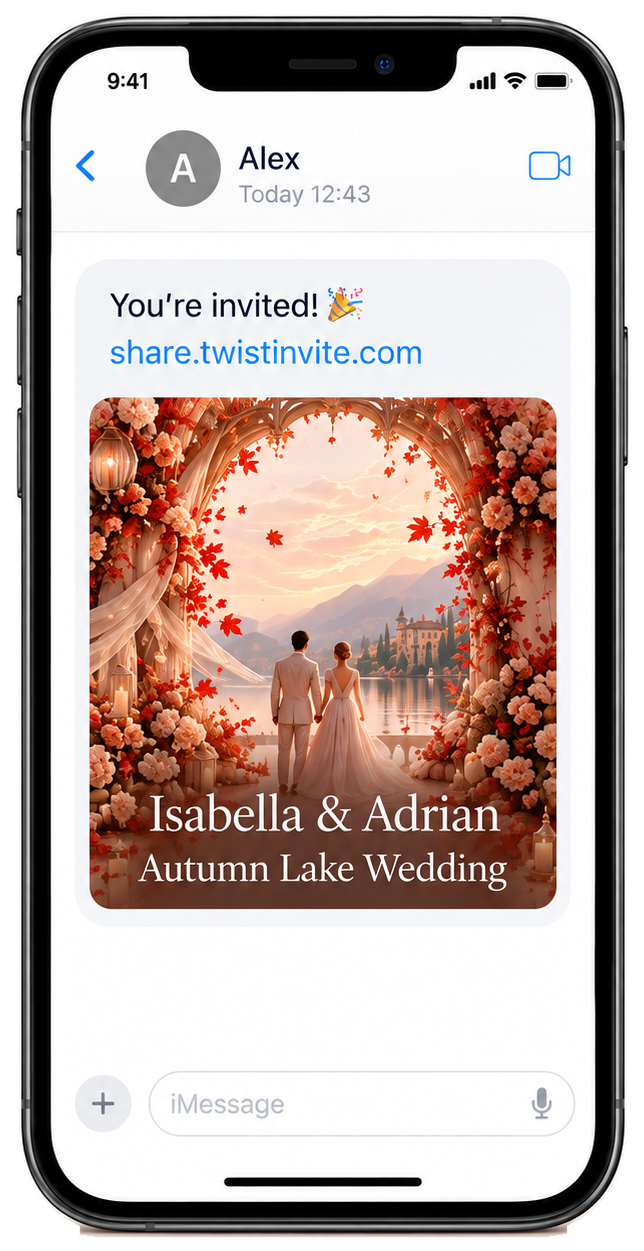
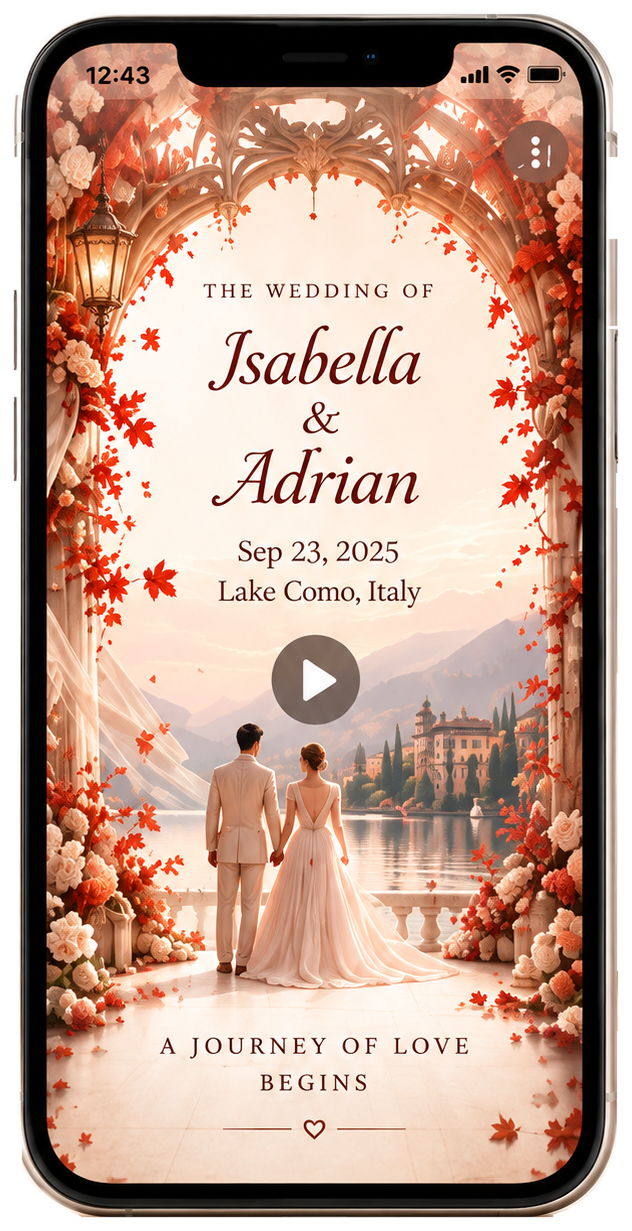
Guests open your shared digital invitation from a link or message.
Invite · Share · Celebrate
Create a beautiful digital invitation, share it with your guests, and collect RSVPs online — all in one seamless experience. Start free with TwistInvite.
How it works
From a beautiful invitation to real guest responses — all in one connected experience.
Guests open your shared digital invitation from a link or message.
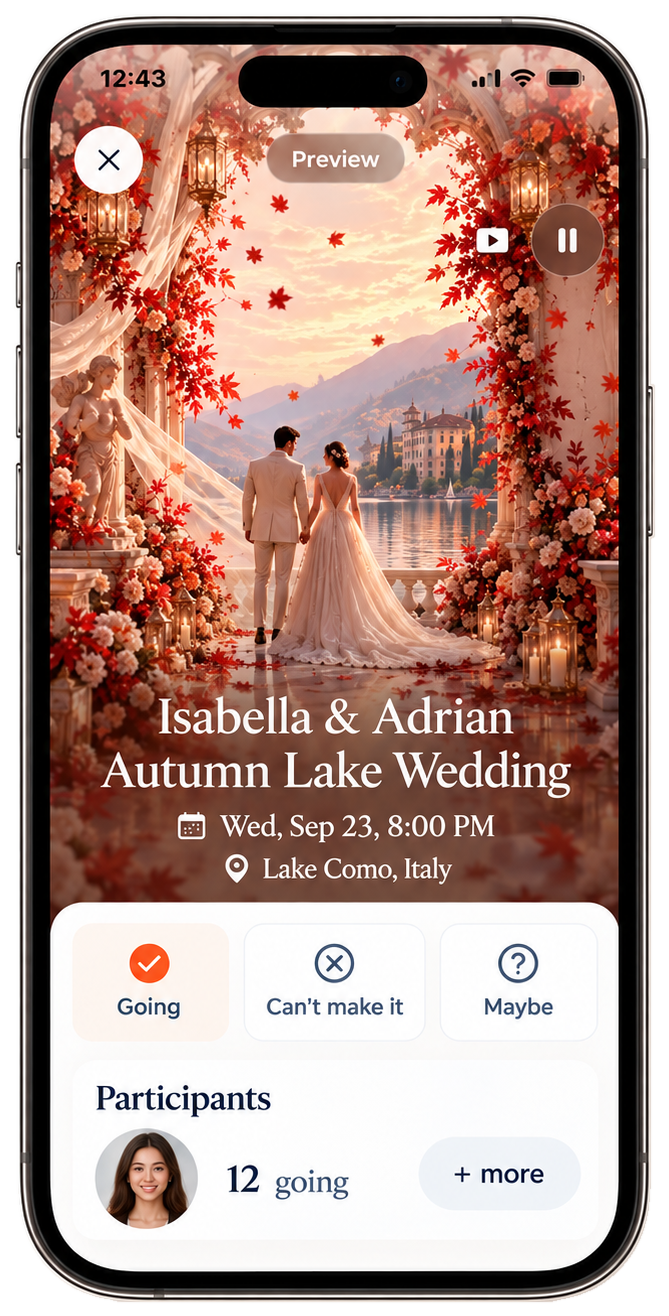
Guests enjoy the invitation, review the event, and choose Going, Can’t make it, or Maybe.
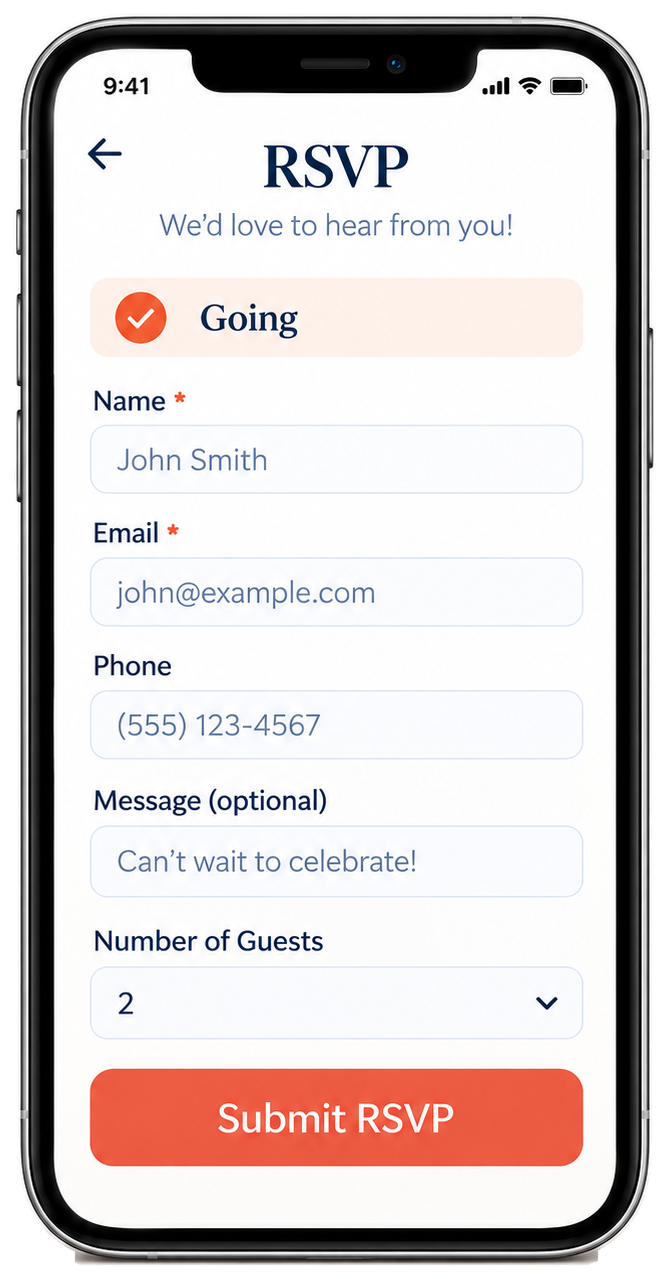
Any response opens a simple form so guests can add their information and submit.
Guests respond from the invitation you share, including video invitations with RSVP built in.
Create a video invitation, then send one link by text, email, or messaging app.
Review Going, Can’t make it, and Maybe replies.
Use RSVP for weddings, birthdays, showers, and parties.
One simple RSVP experience
Online RSVP is useful anywhere guests need one clear invitation and an easy way to reply.




Questions about online RSVP
Clear answers for hosts creating a digital invitation with RSVP.
See pricing and free plan details →An RSVP website is an online place where guests can view an invitation and respond to an event. With TwistInvite, the RSVP experience is connected to the digital invitation guests receive.
TwistInvite is free to start. The current free plan includes up to three events per month, and paid options are available for additional features. Review the latest details on our pricing page.
Guests open the invitation, review the event, choose Going, Can’t make it, or Maybe, and then complete the RSVP form. Hosts can review guest responses in TwistInvite.
Create and personalize an invitation in the TwistInvite app, then share its link by text, email, or a messaging app. Guests use that link to view the invitation and RSVP online.
Guests open the shared invitation link and select Going, Can’t make it, or Maybe. Any selection leads to a short RSVP form before the response is submitted.
Yes. A wedding RSVP website makes it easy to share a digital wedding invitation and collect responses online from invited guests.
Yes. TwistInvite supports birthday invitations with online RSVP, making it simple to share party details and collect guest replies from one invitation link.
Yes. You can create a digital baby shower invitation, share it with guests, and collect baby shower RSVP responses online.
No. Hosts create invitations in the TwistInvite app, but guests can open the shared invitation link and RSVP without installing the app or creating an account.
Name and email are required. Guests can also enter a phone number, leave an optional message, and specify the number of guests before submitting their RSVP.
Free to start
Start in the TwistInvite app, personalize your invitation, and share one link with everyone you want to celebrate with.