

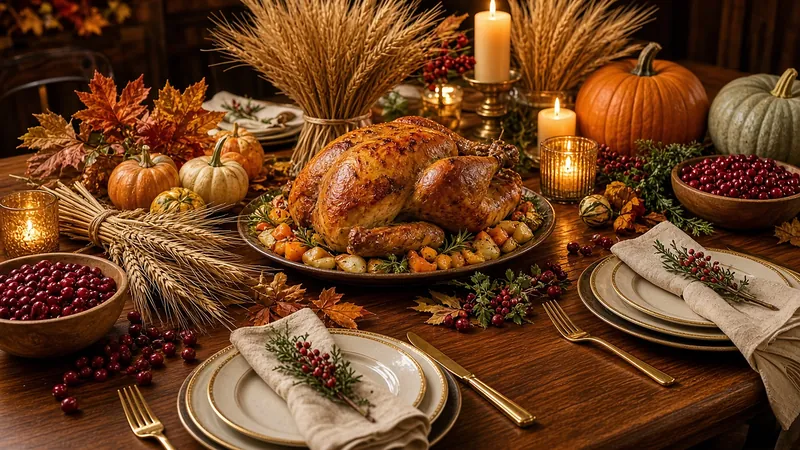






Friendsgiving · chosen family, shared dishes

Friendsgiving Invitations

Pick an animated Friendsgiving invitation, from warm mugs by the fireplace to a pie on a checkered table and rocking chairs on the porch. Add the date, the address and who brings what in the TwistInvite app, then drop one link in the group chat. Friends watch it in their browser and RSVP Going, Can’t make it or Maybe.

Made for dinners with friends
Share in the group chat
Friends RSVP without the app

You create the invitation in the app. Guests watch and RSVP in their browser without installing anything.

Friendsgiving Cozy Fireside Mugs animated invitation template poster

Good food, good friends ♡

Only on a foldable

Close your phone.
Open your invitation.

Fold it. The envelope opens. Unfold it, and the invite fills both screens. Opening an invitation became fun — not just another invitation app.

  • Close to openClose the phone, and the envelope seals and opens — like a real envelope, only on a foldable.
  • Fills both screensUnfold it, and the invitation fills both screens.
  • Filmed on iPhone DuoThe fold action is fully on camera.

See the iPhone Duo experience →

Close your phone. Open your invitation.
Edit on one screen, preview on the other.
Create

Edit on one screen, preview on the other.

Make a Friendsgiving invitation on the big unfolded iPhone Duo screen. Edit on the left, and a live preview stays on the right — much easier than on a normal phone.

  • Pick a themeChoose an invite type and browse a Friendsgiving theme gallery.
  • Edit beside the previewChange the wording and colors next to a live preview.
  • Add a background and musicFinish the invitation on the same unfolded screen.
Share

Guests RSVP with no account.

Share the invite link. Guests unfold the envelope, then RSVP in the browser — no app to download, and no account or verification.

  • Unfold to open the inviteGuests open the envelope the same way — by unfolding the phone.
  • Share the invite linkSend it from the share sheet to the thread you already use.
  • RSVP with no accountGuests reply in the browser. Email is optional.
Share the link. Guests RSVP with no account.
Full walkthrough

Watch the full walkthrough.

A silent clip, filmed on iPhone Duo, from the first template through share and RSVP.

  1. Pick a template
  2. Close to open the envelope
  3. Dual-screen editing
  4. Share and RSVP
The complete walkthrough: template, close to open, dual-screen editing, share and RSVP.
Friendsgiving collection

Friendsgiving Invitation Templates

Every Friendsgiving design in the TwistInvite library, grouped by mood. Press play to watch each one move. The button opens the Thanksgiving folder in the app, where the Friendsgiving designs sit next to the family Thanksgiving ones.

Open the Thanksgiving folder in the app →

Cozy nights in

A stone fireplace, two friends with warm mugs, rocking chairs at dusk and a “Welcome Friends” sign for a relaxed evening at home.

♡Friendsgiving Cozy Fireside Mugs animated invitation template poster

Friendsgiving Cozy Fireside Mugs

A stone fireplace and warm mugs

♡Friendsgiving Warm Mugs Warm Friends animated invitation template poster

Friendsgiving Warm Mugs Warm Friends

Two friends with mugs by a window

♡Friendsgiving Warm Autumn Table animated invitation template poster

Friendsgiving Warm Autumn Table

“The nights are cold. The table is warm.”

♡Friendsgiving Sunset Rocking Chairs animated invitation template poster

Friendsgiving Sunset Rocking Chairs

Rocking chairs on a porch at dusk

♡Friendsgiving Welcome Porch animated invitation template poster

Friendsgiving Welcome Porch

A “Welcome Friends” sign on a fall porch

Ideas and wording: Friendsgiving invitation wording

Potluck tables and pie

Lattice pie, fresh bread, roasted squash and a roast with sides. Good for a potluck where everyone brings a dish.

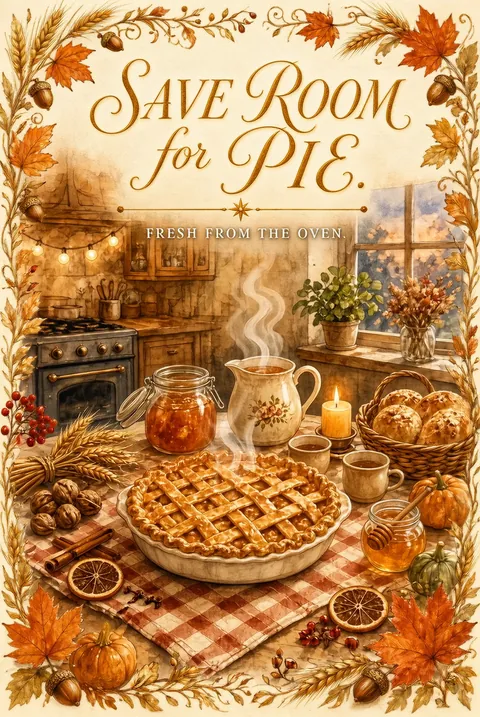
♡Friendsgiving Save Room for Pie animated invitation template poster

Friendsgiving Save Room for Pie

A lattice pie on a checkered table

♡Friendsgiving Fresh from the Oven animated invitation template poster

Friendsgiving Fresh from the Oven

Fresh bread loaves by a sunny window

♡Friendsgiving Good Food Good Friends animated invitation template poster

Friendsgiving Good Food Good Friends

Roasted squash on a rustic table

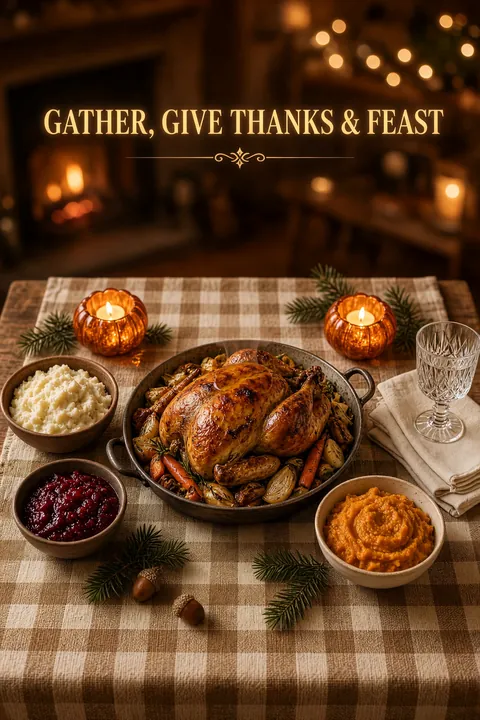
♡Friendsgiving Fireside Roast Feast animated invitation template poster

Friendsgiving Fireside Roast Feast

A roast and sides on a checkered cloth

♡Friendsgiving Pumpkin Soup Table animated invitation template poster

Friendsgiving Pumpkin Soup Table

“Pull up a chair” over a pie-filled table

♡Friendsgiving Flowers and Roast Dinner animated invitation template poster

Friendsgiving Flowers and Roast Dinner

A roast with flowers, “Pull up a chair”

Ideas and wording: Friendsgiving potluck invitations

Picnics, collages and simple cards

A meadow picnic, a harvest collage and minimal designs with oak leaves or a sketched pumpkin, for a daytime gathering or a simple, clean look.

♡Friendsgiving Autumn Picnic Classic animated invitation template poster

Friendsgiving Autumn Picnic Classic

A picnic basket and teapot in a meadow

♡Friendsgiving Autumn Picnic Portrait animated invitation template poster

Friendsgiving Autumn Picnic Portrait

A meadow picnic, “Come, let’s feast”

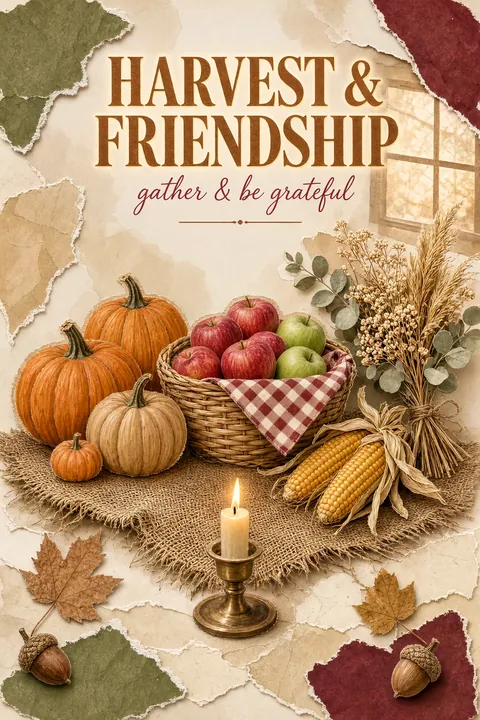
♡Friendsgiving Harvest Collage animated invitation template poster

Friendsgiving Harvest Collage

Pumpkins, corn and a candle, collage style

♡Friendsgiving Oak Leaf Invitation animated invitation template poster

Friendsgiving Oak Leaf Invitation

Oak leaves and berries, “The table is set”

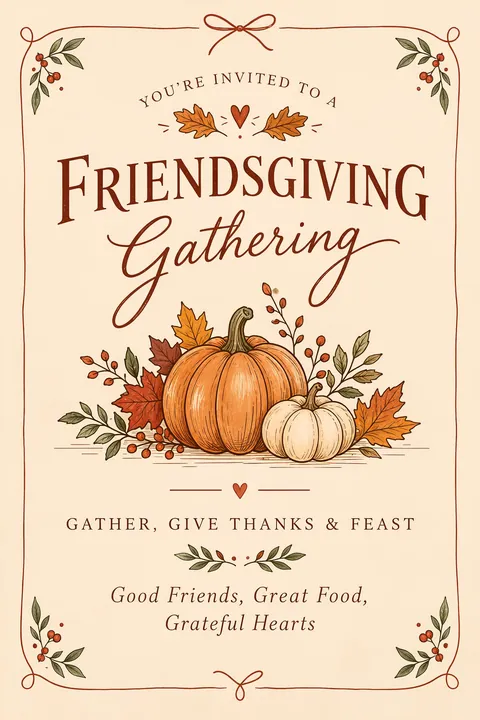
♡Friendsgiving Pumpkin Botanical Gathering animated invitation template poster

Friendsgiving Pumpkin Botanical Gathering

An illustrated pumpkin on cream paper

Ideas and wording: Friendsgiving invitation ideas

How it works

From Template to RSVP in 3 Steps

  1. Create it in the app

    Download or open the TwistInvite app, choose a Friendsgiving template and add the date, time, address and the dish plan. Upload your own photos or video, import audio, or hold to record a short voice message.

    Host · in the app
  2. Share one link

    Drop the link in the group chat by WhatsApp or SMS. Roommates, coworkers and old friends all get the same invitation.

    Host · WhatsApp or SMS
  3. Guests watch and RSVP

    Guests open the link in their phone or computer browser, watch the invitation and answer Going, Can’t make it or Maybe. No download, no account. You follow every reply in the app.

    Guests · in the browser
Open Friendsgiving templates

Guests never need an account or the app.

Make it yours

What You Can Add to a Friendsgiving Invitation

Friendsgiving is casual, but the details still matter. Put them in one place so nobody has to scroll back through the chat.

  • Your own media: upload a photo from last year’s Friendsgiving or a short clip of the table.
  • Music or sound: import audio, like the playlist you’ll have on that night.
  • A voice message: hold to record a quick “please bring ice” from the host.
  • RSVP tracking: see who answered Going, Can’t make it or Maybe, and ask for party size so you know who is bringing a plus-one.
  • WhatsApp or SMS sharing: one link for every guest, wherever they are.
  • 19 app languages: including Spanish, for families and friends who celebrate in more than one language.
Free to start

Send Friendsgiving Invitations for Free

Most hosts start on the free plan. If you plan more than three events a month, Premium is available as a weekly, monthly or yearly plan.

Compare plans on the pricing page

Free plan

  • Up to 3 events per month
  • Free templates
  • RSVP tracking
  • Share by WhatsApp or SMS

Premium

  • USD $2.99 per week
  • USD $8.99 per month
  • USD $39.99 per year

Prices shown in US dollars. The App Store sets local prices in other countries and regions.

Plan the potluck

When to send a Friendsgiving invitation and what to include

  • When to send it

    Two to three weeks ahead is usually enough. Many friends travel for Thanksgiving, so pick a date a weekend before or after, and send the invitation early if it falls in that busy week.

  • The dish plan

    Say what the host is making, usually the main dish, and ask guests to bring a side, a dessert or drinks. Ask them to reply in the chat with their dish so you don’t end up with five pies.

  • Allergies and diets

    Ask guests to share allergies or dietary needs, and suggest labeling dishes.

  • Plus-ones and pets

    Say whether partners, roommates or dogs are welcome. Party size in the RSVP tells you how many chairs you really need.

Wording ideas

Short Friendsgiving invitation wording you can adapt

  • Classic potluck

    “Friendsgiving is on! We’re making the turkey, you bring a side or a dessert. Saturday, November 22 at 6 pm.”

  • Cozy night in

    “Sweatpants welcome. Pie, wine and our favorite people, Friday at 7. Tell us what you’re bringing.”

  • Small dinner

    “A small table, a big thank you. Join us for Friendsgiving dinner, Sunday at 5 pm. Plus-ones welcome.”

  • After the holiday

    “Leftovers Friendsgiving: bring whatever’s left from Thursday and let’s eat it together, Saturday at 2 pm.”

FAQ

Frequently Asked Questions

How do I make a digital Friendsgiving invitation?

Tap Open Friendsgiving templates to open the Thanksgiving folder in the TwistInvite app, pick a Friendsgiving design and add the date, time, address and dish plan. Then share the link by WhatsApp or SMS.

Do my guests need to download the app?

No. Only you use the TwistInvite app to create and edit the invitation. Guests open the link in their browser, watch it and RSVP Going, Can’t make it or Maybe without installing anything or making an account.

What can I collect in the RSVP?

Guests choose Going, Can’t make it or Maybe. You can also ask for each guest’s email and their party size, so you know how many people are really coming.

Are there free Friendsgiving invitations?

Yes, you can start for free. The free plan includes free templates, up to 3 events per month and RSVP tracking. Premium is USD $2.99 per week, $8.99 per month or $39.99 per year; the App Store sets local prices in other countries and regions.

What is the difference between Friendsgiving and Thanksgiving invitations?

Friendsgiving designs are made for a casual dinner or potluck with friends, with wording like “Good food, good friends.” For a family Thanksgiving dinner, see our Thanksgiving invitations page.

How many Friendsgiving designs are there?

More than 15, from cozy fireside scenes and potluck tables to picnics and simple cards.

How do I organize who brings what?

Write the dish plan in the invitation details and ask friends to say what they’re bringing in the group chat. The RSVP gives you the headcount.

Can I make the invitation on my computer?

You can browse templates on this site from any device, but invitations are created and edited in the TwistInvite app. Open the app on your phone to personalize and share. Guests can open the finished invitation on a phone or a computer.

Save a seat for every friend.

Pick a Friendsgiving design, personalize it in the TwistInvite app and share one link your friends can open and answer.

Create and edit your invitation in the TwistInvite app. The app interface is available in 19 languages, including Spanish.

Related Thanksgiving & Friendsgiving guides