

Kids’ birthdays · ages two and up
Kids’ Birthday Invitations
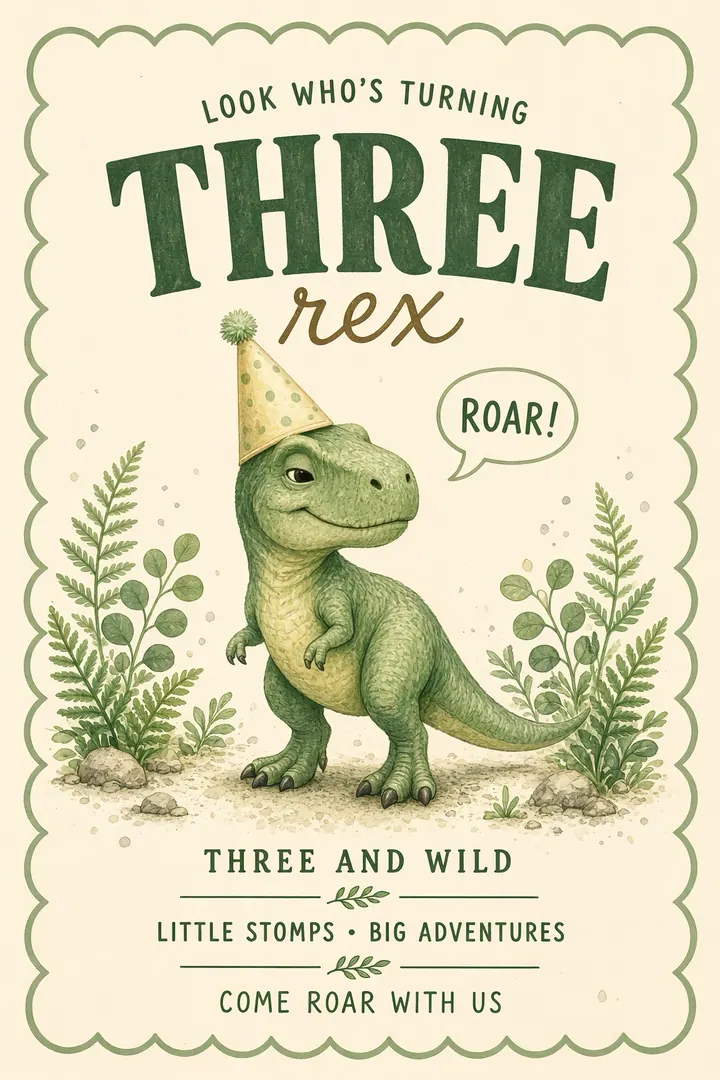
Pick an animated kids’ birthday invitation your child will want to watch again: a racing “Two Fast”, a dinosaur that roars “Three Rex”, a princess carriage or a snowy birthday train. Add the party details in the TwistInvite app and send one link to the class parents. They watch it in the browser and RSVP in a tap.
Race cars, dinos, princesses and more
Share by WhatsApp or SMS
Parents RSVP without the app
You create the invitation in the app. Guests watch and RSVP in their browser without installing anything.
Kids’ birthday collection
Kids’ Birthday Invitation Templates
Real templates from the TwistInvite library, grouped by theme. Several are made for a specific age, like “Two Fast” or “Three Rex”. Press play to watch them move, then open the birthday folder in the app to see every design.
Sweet treats and milestone ages
Race cars for two, a dinosaur for three, ice cream scoops for four and bows for five, plus cookie, cupcake and candy designs that fit any age.






Ideas and wording: Kids’ birthday invitations by age
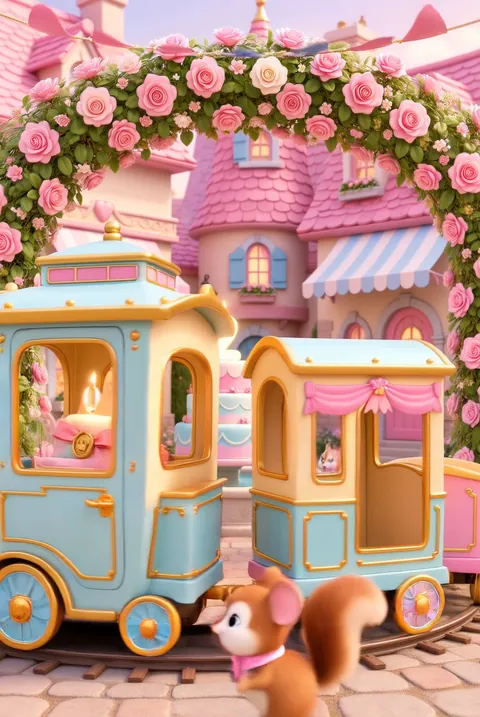
Princesses, swans and fairy tales
A flower-garden carriage, swan boats and a pastel train outside a castle.



Ideas and wording: Princess birthday party invitations
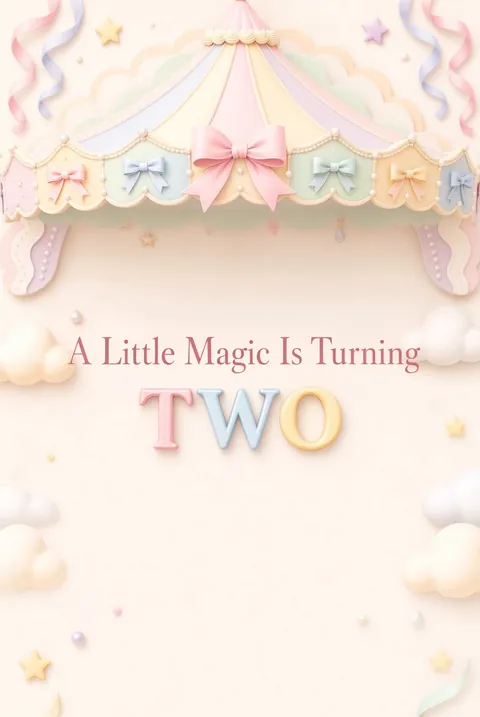
Gardens, butterflies and under the sea
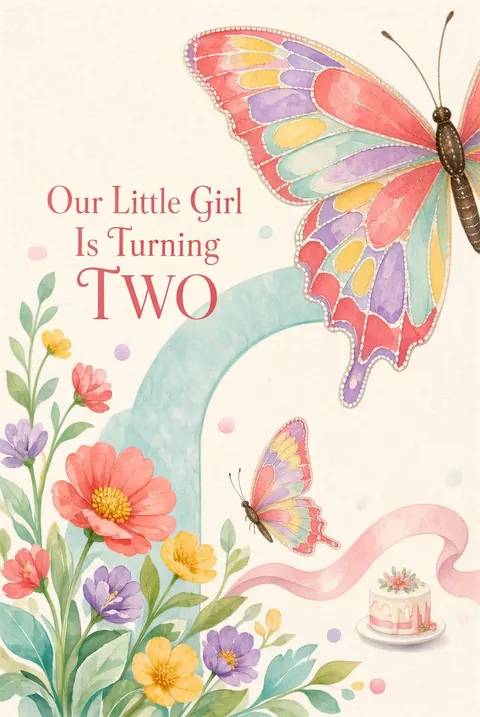
Carousels, meadow flowers, butterflies and a pearly reef for spring and summer parties.


Ideas and wording: Mermaid birthday invitations
Winter birthdays
A snowy train, skating penguins, a frosted window and woodland friends for birthdays between December and February.




Ideas and wording: Winter birthday party invitations
How it works
From Template to RSVP in 3 Steps
Create it in the app
Download or open the TwistInvite app, choose a kids’ birthday template and add the date, time, place and theme. Upload your child’s photo or a video, import audio, or hold to record a short voice message.
Host · in the appShare one link
Send it by WhatsApp or SMS to the class parents’ group, the cousins and the neighbors. One link reaches everyone.
Host · WhatsApp or SMSGuests watch and RSVP
Guests open the link in their phone or computer browser, watch the invitation and answer Going, Can’t make it or Maybe. No download, no account. You follow every reply in the app.
Guests · in the browser
Open birthday templates
Guests never need an account or the app.
Make it yours
What You Can Add to a Kids’ Birthday Invitation
Make the invitation feel like your child’s party, then send it to the chats you already use with other parents.
- Your own media: upload a photo of the birthday kid or a short video of them shouting the party date.
- Music or sound: import audio, like a favorite song or theme.
- A voice message: hold to record a quick invite in your child’s own voice.
- RSVP tracking: see who answered Going, Can’t make it or Maybe, and ask for party size to count kids and the grown-ups who stay.
- WhatsApp or SMS sharing: no more paper invitations lost in backpacks.
- 19 app languages: including Spanish, for bilingual classrooms and families.
Free to start
Send Kids’ Birthday Invitations for Free
Most hosts start on the free plan. If you plan more than three events a month, Premium is available as a weekly, monthly or yearly plan.
Free plan
- Up to 3 events per month
- Free templates
- RSVP tracking
- Share by WhatsApp or SMS
Premium
- USD $2.99 per week
- USD $8.99 per month
- USD $39.99 per year
Prices shown in US dollars. The App Store sets local prices in other countries and regions.
Plan the party
When to send a kids’ birthday invitation and what to include
When to send it
Two to three weeks before the party works for most kids’ birthdays. Weekends near holidays and the end of the school year fill faster, so send those closer to four weeks ahead.
What to include
The child’s name and new age, date, start and end time, address, theme or dress-up idea, and an RSVP date. Mention swimsuits, socks for a trampoline park or anything else kids should bring.
Drop-off or stay
Say whether parents can drop off or should stay. Ask for party size in the RSVP so siblings and grown-ups are counted for pizza and cake.
Allergies and venues
If the party is at a venue with a cap on guests, say so. A line like “tell us about allergies when you RSVP” keeps it friendly.
Wording ideas
Kids’ birthday invitation wording you can adapt
Two Fast
“Ready, set, two! Race over to Leo’s birthday on Saturday at 11 am. Pit stop snacks and cake included.”
Three Rex
“Three Rex is on the loose! Stomp over to Mia’s dinosaur party in the backyard, 2 to 4 pm.”
Princess party
“Her royal highness is turning five. Crowns optional, cake mandatory. Please RSVP by May 3.”
Winter party
“Snowflakes and birthday wishes: join us for cocoa, cupcakes and a winter party at the park pavilion.”
More occasions
More birthday invitations
Ideas and wording
Kids’ birthday ideas and wording
FAQ
Frequently Asked Questions
How do I make a kids’ birthday invitation?
Tap Open birthday templates to open the birthday folder in the TwistInvite app, choose a design and add your child’s name, age, date, time and address. Add a photo, a video or a voice message if you like, then share the link by WhatsApp or SMS.
Can other parents RSVP without the app?
Yes. They open the link in their browser and answer Going, Can’t make it or Maybe without installing anything or creating an account.
What can I collect in the RSVP?
Guests choose Going, Can’t make it or Maybe. You can also ask for each guest’s email and their party size, so you know how many people are really coming.
Are there free kids’ birthday invitations?
Yes, you can start for free. The free plan includes free templates, up to 3 events per month and RSVP tracking. Premium is USD $2.99 per week, $8.99 per month or $39.99 per year; the App Store sets local prices in other countries and regions.
Do you have designs for a specific age?
Some templates are made for an age, like “Two Fast” for a second birthday, “Three Rex” for a third, “Four Scoops of Fun” for a fourth and “Five Bow Celebration” for a fifth. Others, like the cookie, cupcake and candy designs, fit any age. For a first birthday, see our first birthday invitations.
How far ahead should I send a kids’ birthday invitation?
Two to three weeks ahead suits most parties, and up to four weeks for busy weekends. Send a reminder a day or two before.
Can I send it to the class group chat?
Yes. Share the same link in a WhatsApp group or by SMS, and every parent can open it and RSVP from their own phone.
Can I make the invitation on my computer?
You can browse templates on this site from any device, but invitations are created and edited in the TwistInvite app. Open the app on your phone to personalize and share. Guests can open the finished invitation on a phone or a computer.
Make the invitation part of the party.
Pick a kids’ birthday design, personalize it in the TwistInvite app and share one link parents can open and answer.
Create and edit your invitation in the TwistInvite app. The app interface is available in 19 languages, including Spanish.