
An interactive wedding invitation is one guests open from a link and then experience: an envelope opens on screen, the invitation plays as a video with your music, they hear a short message from you, and they reply right there. With TwistInvite, it all happens in the browser, and guests answer Going, Can't make it or Maybe without an app or account.
This guide walks through what guests actually see, the envelope-style video designs, and how to make it personal without losing the details people need. If you're still deciding between formats, start with digital wedding invitations.
What Makes an Invitation "Interactive"
A photo of a paper invitation sent in a chat is digital, but guests can only look at it. An interactive one adds four layers:
| Layer | Static image or PDF | Interactive video invitation |
|---|---|---|
| The reveal | The whole card at once | An envelope or seal opens in the video before the invitation appears |
| Sound and motion | None | The design moves, and you can import your own song |
| Your voice | None | A 15-second video message from the two of you |
| The reply | Guests text you, or go to a separate site | Guests tap Going, Can't make it or Maybe on the same page |
The last one matters most. Interactive features are nice; replies in one place are what save you a month of chasing.
What Your Guests See, Step by Step
- A text from you with a short message and the link.
- The invitation opens in their browser. Nothing to install, no account to create, on any phone.
- The video plays. In the envelope designs below, the envelope opening is part of the video itself: a wax seal, a liner, a deckled card sliding out.
- They see your details and your own media: photos or clips you uploaded, the song you imported, your recorded message.
- They reply Going, Can't make it or Maybe. You follow every answer in the App.
Nothing about this asks more of guests than opening a text. That's why it works for grandparents as well as college friends.
Four Envelope-Style Video Designs
All four are stationery designs filmed like real paper: they suit couples who love the feel of a printed suite but want guests to reply in one tap.
Vellum & Wax: ivory, vellum and a botanical seal
Best for a classic, quiet look. An ivory envelope on soft fabric is wrapped in vellum and closed with a pressed wax seal; the vellum lifts away and a ribbon slides off to reveal the card. Pairs naturally with a vellum wedding invitation style.
Mulberry Wax Monogram: a deep plum monogram seal
Best for a romantic, slightly moody palette. It opens on a close-up of a plum wax seal with a monogram letter, then pulls back to a blush envelope with a satin ribbon that opens on the card. The seal shows a letter "M", which suits couples whose shared initial or surname starts with M; for everyone else it reads as decoration. More ideas in wax seal wedding invitations.
Delft Envelope Liner: blue-and-white pattern
Best for a "something blue" wedding or a garden or coastal theme. A cream envelope opens on a blue Delft-style floral liner, and a bordered card slides out. It's bright and fresh for a daytime wedding.
Rose Clay Deckled Cotton: terracotta and handmade paper
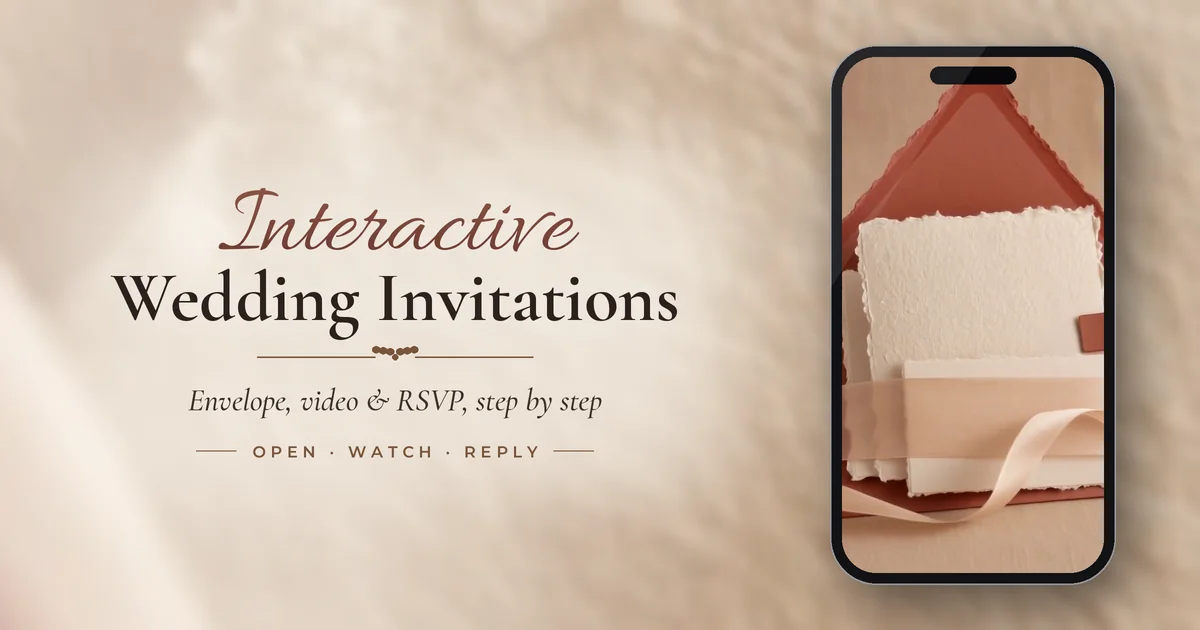
Best for a warm, earthy or desert palette. Torn-edge cotton paper sits in a terracotta envelope with a blush ribbon and a small tag. It suits rustic, boho and autumn weddings; see deckled-edge wedding invitations for that look.
Make It Personal Without Losing the Details
- Record your message together. Hold to record 15 seconds in the App: "We're getting married on June 12 in Napa, and we can't do it without you. Tell us you'll be there."
- Import your song. Your first-dance song or the one from your engagement trip, as the invitation's audio.
- Upload a few clips or photos from your engagement session. Three or four are plenty.
- Keep the facts plain. Date, time, venue, dress code and reply-by date should be easy to read and never only spoken in the video.
What to Know Before You Choose
- The words in the artwork are part of the design. The invitation is created and edited in the App, but text drawn into the envelope or card artwork can't be rewritten. Your wording goes in the message you send with the link and in your video message.
- Replies are Going, Can't make it or Maybe. If you need meal choices or song requests, collect them separately.
- Some guests still want paper. Many couples mail a few printed invitations to grandparents and send the link to everyone else.
What to Write With the Link
Maya and Daniel are getting married! Open your invitation here, and please reply by May 1: [link]
Hi Aunt Linda, our wedding invitation is ready. Tap the link, turn the sound on, and let us know if you can join us on June 12: [link]
Together with their families, Maya Chen and Daniel Ortiz invite you to their wedding on Saturday, June 12, in Napa. Your invitation and RSVP are here: [link]
An invitation you can't lose in a drawer: open it, turn the sound up, and RSVP by May 1: [link]
For more on etiquette and timing over text, read how to send wedding invitations by text.
How to Send It
- Pick an envelope design in the TwistInvite App.
- Add your event details, your own photos, video or audio, and a hold-to-record message.
- Share the link by text message (SMS) or in any chat, six to eight weeks before the wedding.
- Watch the replies come in in the App as guests answer Going, Can't make it or Maybe in their browser.
The free plan includes 3 events a month, free templates, RSVP tracking and 15-second video messages. Premium is $2.99 a week, $8.99 a month or $39.99 a year (USD; the App Store sets local prices). Open the TwistInvite App to browse envelope designs.
Frequently Asked Questions
What is an interactive wedding invitation?
It's a digital invitation guests open from a link that does more than show a picture: the design plays as a video, it can carry your music and a recorded message, and guests reply on the same page.
Do guests need to download anything to open it?
No. Guests open the link in their phone's browser and RSVP with Going, Can't make it or Maybe without an app or an account. Only the couple uses the TwistInvite App.
Can I change the text on the envelope?
No. Words drawn into the envelope or card artwork are part of the design. Put your wording in the message you send with the link and in your video message.
Can guests choose a meal when they RSVP?
Replies are Going, Can't make it or Maybe. If you need meal choices, collect them separately, for example in a follow-up message.
Is an interactive invitation appropriate for a formal wedding?
Yes, if the design and wording are formal. The envelope designs here are filmed like fine stationery, and many couples still mail a few printed invitations to older relatives.
Create it in the TwistInvite app
Download free on iPhone or Android, then share one link with your guests.