
Searching for free Christmas invitation templates usually means you want something that looks festive, is easy to edit, and does not require a payment just to try. Fair enough.
This page explains what you can actually create, personalize, send, and use for RSVP with free Christmas invitation templates—without turning the whole article into a pricing pitch. You will see what Free includes, what a usable invite still needs, and how to personalize templates for Christmas Day, dinners, and smaller gatherings. Ready-made designs are on our Christmas party invitations page, each with RSVP built in.
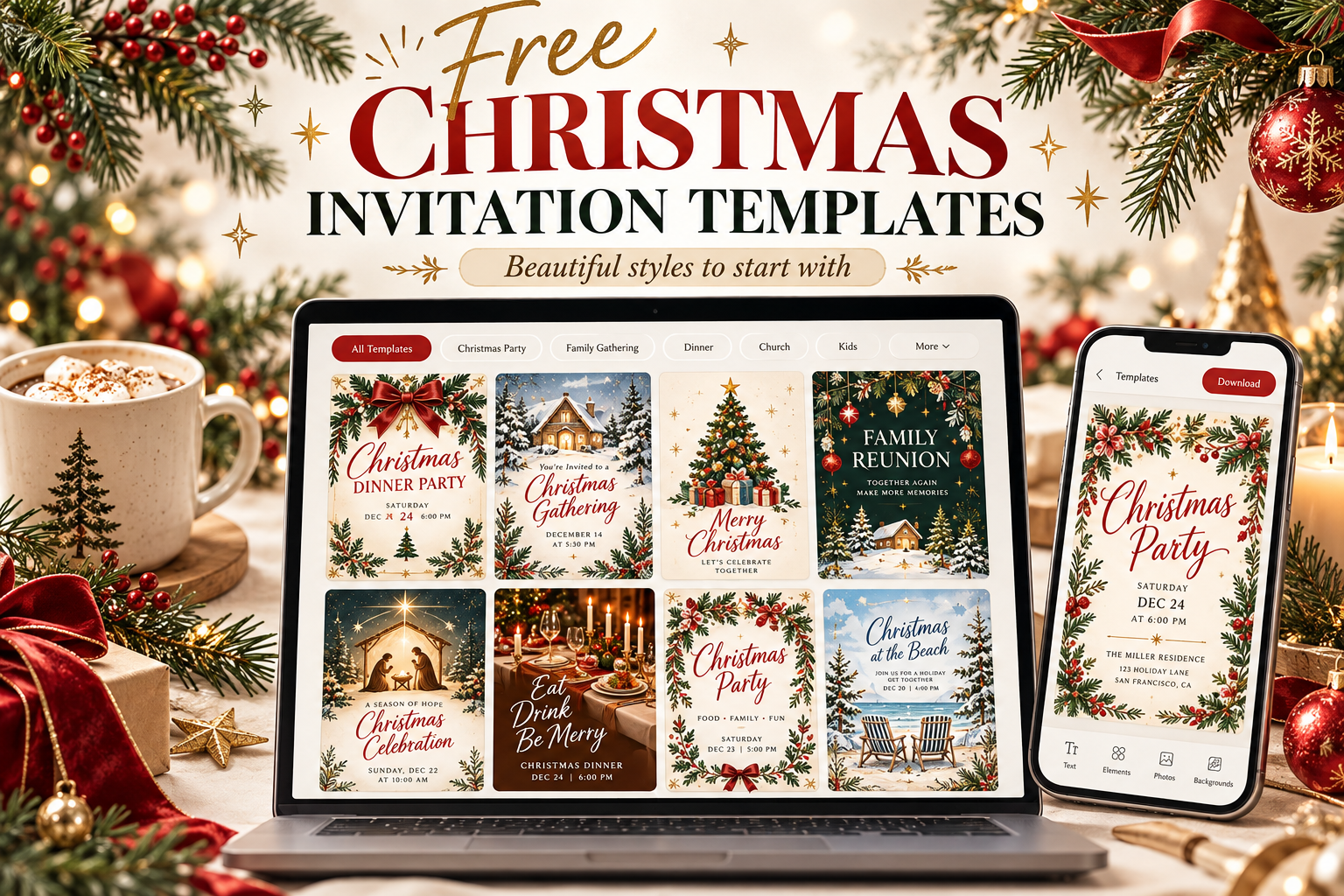
What “Free Christmas Invitation Templates” Should Include
A useful free template is more than a pretty image. You should be able to customize the host name, event details, and timing; preview how it looks on a phone; and share it so guests can respond.
Look for templates that support clear hierarchy—title, date, place, RSVP—so guests are not hunting for basics under decorations. Free should still mean usable. If a template looks festive but cannot hold your real address and reply deadline cleanly, it is decoration, not an invitation.
Also check how you will share it. Text and link sharing matter when relatives are scattered and group chats move quickly in December.
What You Can Create on TwistInvite Free
On TwistInvite, Free means $0 to start. You can create up to 3 events per month, use free templates, add 15-second video messages, track RSVPs, and share via text or link.
That is enough for many Christmas gatherings: a family dinner, a Friendsmas night, or a small pajama party. You are not locked out of core invitation and RSVP features just to send something nice.
For a full comparison of free versus paid limits, see pricing. This article stays focused on what free Christmas templates help you do day to day—create, personalize, send, and collect replies.
What a Usable Christmas Invitation Needs
Before you pick a template, decide what guests must know:
- Gathering type (Christmas Day, dinner, open house, party)
- Date and time
- Location or link
- RSVP deadline
- Dress or theme notes
- Gift and food expectations
A template should make those fields easy to fill—not bury them under snowflake clip art. Once your details are solid, design choices become easier. Hosts who start with logistics rarely end up rewriting the invite three times.
Get the App to preview Christmas templates you can personalize and send with the details above.
How to Personalize Free Christmas Templates
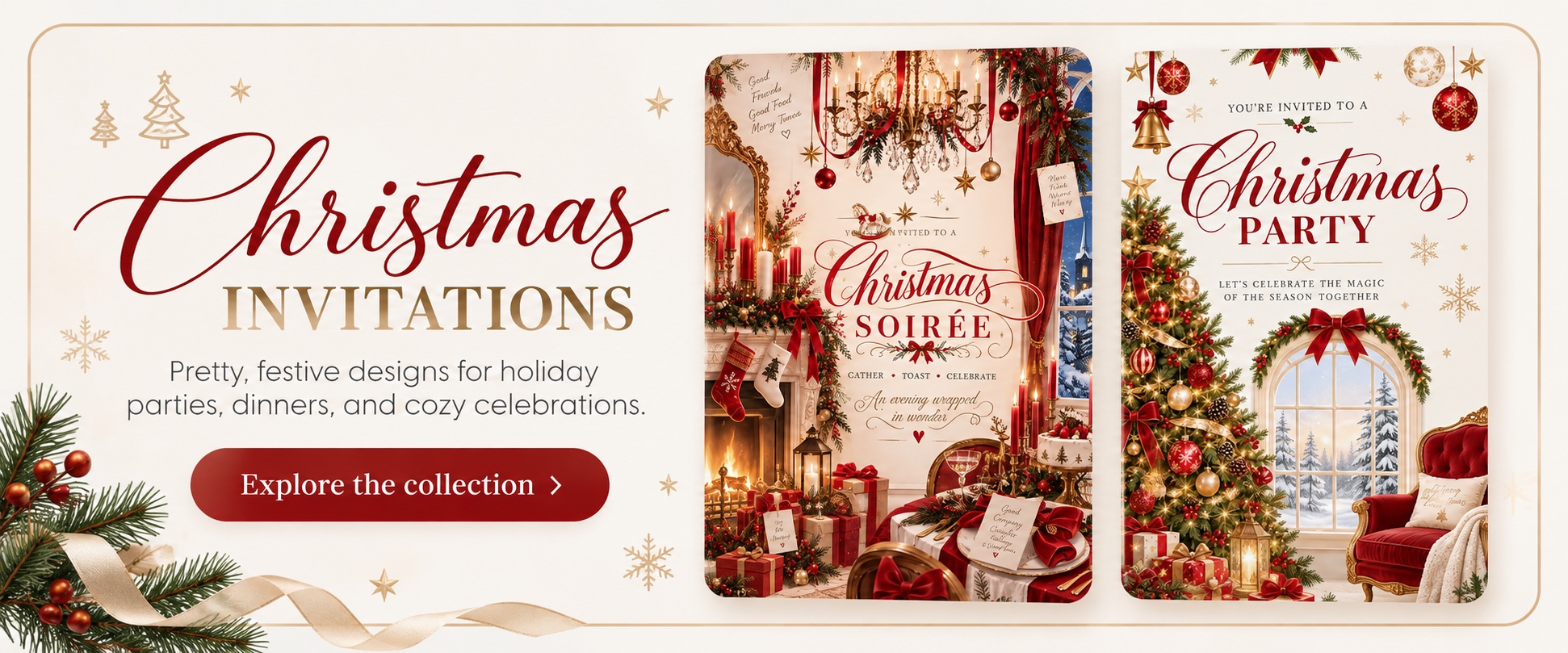
Start with a design that matches your gathering: classic, cozy, playful for kids, or minimal for adults. Replace placeholder text with real names, times, and addresses. Keep paragraphs short so the invite stays readable on mobile.
Add a short video message if you want a personal hello—Free includes 15-second video messages. Then send a share link by text or chat so guests can open it without downloading an app.
Swap stock headlines for language that sounds like your household. “Christmas dinner at our place” often works better than a generic “You’re Invited to a Magical Evening.” Specific beats fancy.
If you need a fuller party format (games, playlist energy, larger guest lists), our Christmas party invitation ideas and wording guide covers party-focused planning alongside templates.
Sending, RSVP Tracking & Sharing Without Friction
Free Christmas invitation templates are most helpful when replies land in one place. Ask guests to RSVP by a date that gives you time to plan food and seating.
Share the same link with everyone so details stay consistent. If plans change, update the invitation once instead of sending a dozen correction texts.
Digital sharing also helps distant relatives who cannot print anything but still want to feel included. A tracked RSVP list is especially useful when some people reply in the family chat and others forget entirely—one link keeps the count cleaner.
Common Mistakes With Free Templates
Choosing style before details. Pretty templates cannot fix missing times or unclear RSVP instructions.
Overloading the design. Too many fonts and icons make mobile reading hard. Leave space around key facts.
Forgetting the end time or drop-in window. Christmas open houses especially need this.
Assuming “free” means unlimited everything. Know your monthly event limit and plan accordingly—3 events per month on Free covers many hosts, and pricing explains upgrades if you need more.
Sending before a proofread. Check names, dates, and the map pin or address. December typos create real-world confusion.
You can also browse all of our holiday party invitation templates in one place.
Frequently Asked Questions
Are free Christmas invitation templates actually free?
On TwistInvite, Free is $0 and includes free templates, up to 3 events per month, 15-second video messages, RSVP tracking, and sharing by text or link. Paid plans add more capacity—see pricing.
Can I customize free Christmas templates?
Yes. Edit names, dates, locations, wording, and theme notes so the invite matches your gathering.
Do free templates support RSVP?
Yes. RSVP tracking is included on Free so you can collect replies without a separate spreadsheet.
Can I add a video to a free Christmas invitation?
Yes. Free includes 15-second video messages you can pair with your invitation details.
Are free templates good enough for Christmas Day or a party?
For many family gatherings and smaller parties, yes. Choose a clear layout, fill in complete details, and share a single link for RSVPs.
What if I need more than 3 events in a month?
Review pricing for plans with higher limits. Free is designed to let you create and send without paying upfront.
Create it in the TwistInvite app
Download free on iPhone or Android, then share one link with your guests.