
A Christmas party RSVP has one job: tell you, before you buy food and drinks, how many people are actually coming. In December that is harder than it sounds. Guests are juggling office parties, school concerts, family dinners and travel, so “I’ll try to make it” becomes the default answer unless you make replying quick and give people a clear date to answer by.
This guide covers when to set the deadline, what to ask, wording for home and work parties, and how to collect replies online so nobody has to scroll a group chat to count. If you still need the invitation itself, browse our Christmas and holiday party invitation templates.

Why Christmas RSVPs Are Different
Three things make December replies messy:
- Competing dates. Most people get several invitations for the same two or three weekends. The first one with a clear deadline usually gets the firm answer.
- Plus-ones and kids. “Bring the family” can mean two people or six. If you are cooking, you need the real number.
- Late changes. Colds, flights and snow change plans in the last week. A simple way to update a reply saves you a round of texts.
The fix is not a longer invitation. It is a short invitation with an RSVP that asks two or three things and has a date on it.

When to Set the RSVP Deadline
Work backward from the last thing you need to order or buy:
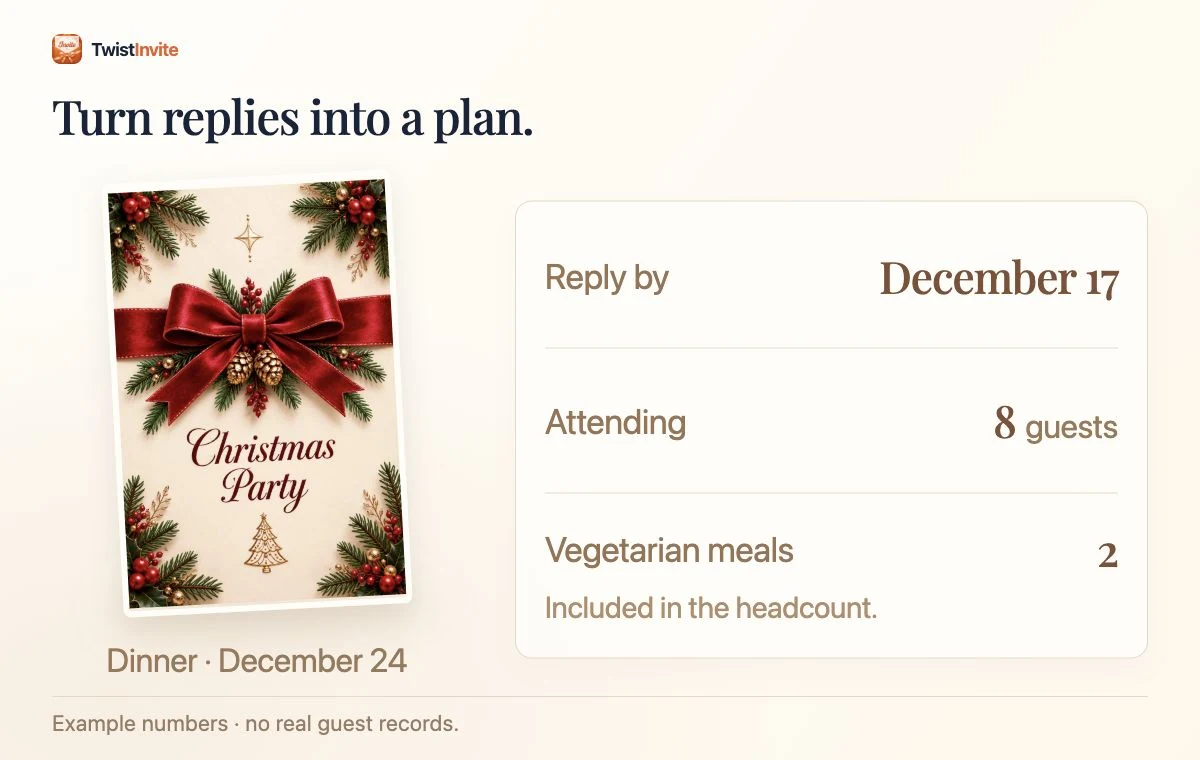
- Catered or restaurant party: deadline 10 to 14 days before, or whenever the caterer needs final numbers.
- Home party with a cooked meal: about one week before, so you can shop on the weekend before the party.
- Drop-in or cocktail party: three to five days before is enough. You need a rough number for drinks and ice, not seat counts.
- Office party: follow the venue’s deadline and add two days, so you have time to chase late replies.
Send the invitation itself three to four weeks ahead for most December parties; our guide on when to send party invitations has the full timing table.
What to Ask in a Christmas Party RSVP
Ask only what changes your plans. For most parties that is:
- Are you coming? A yes, no or maybe answer.
- How many in your party? Adults and kids together, so you can plan food and seats.
- Email address, if you want to send a menu, a parking note or the address of a new venue later.
Optional extras, only if they matter for this party: dietary needs for a seated dinner, a gift exchange yes/no, or which dish someone will bring to a potluck. Put those in the invitation text and ask guests to mention them in their reply message, rather than turning the RSVP into a form.
Christmas Party RSVP Wording You Can Copy
Put the RSVP line at the end of the invitation, after the date, time and address. Keep the deadline in bold or on its own line.
For a party at home
- “Please RSVP by December 8 so we know how many stockings to fill and how much cocoa to make.”
- “Let us know by Sunday, December 7, and tell us how many are coming, kids included.”
- “Reply by December 10. A maybe is fine, but please update it by the 15th.”
For a Christmas dinner
- “We’re setting the table for a sit-down dinner. Please RSVP by December 12 with the number of guests and any allergies.”
- “Seats are limited at our table this year, so please reply by December 5.”
For a work Christmas party
- “Please RSVP by Friday, December 5, so we can confirm numbers with the venue.”
- “Plus-ones are welcome. When you reply, add your guest so we can include them in the count.”
- “Can’t make it? Please still reply so we can release your seat.”
If you are writing the invitation for a whole team, our holiday party invitation email guide has full emails with subject lines, and our office Christmas party invitations guide covers the details staff need.
RSVP List vs. Online RSVP
For a small party, a list on your phone works: write each name, then mark yes, no or maybe as texts come in. It breaks down at about 20 guests, when replies arrive in three apps and you lose track of who said “probably.”
An online RSVP puts every reply in one place. With TwistInvite, you make the invitation in the app and share one link by WhatsApp or SMS. Guests open it in their browser, watch the invitation and answer Going, Can’t make it or Maybe. They do not need to download anything or create an account. The RSVP can also ask for their email and the number of people in their party, and you see the replies in the app.
That last part is what helps in December. When someone switches from Maybe to Going, you see it with the rest of the replies, without a new text to dig through. For more on how this works, see our RSVP website page.
Where Should RSVP Sit in a Christmas Video Invitation?
A warm video can introduce your Christmas gathering, but guests should not have to replay it to find the dinner time or reply deadline. Treat the scene and the practical information as two parts of the same invitation.
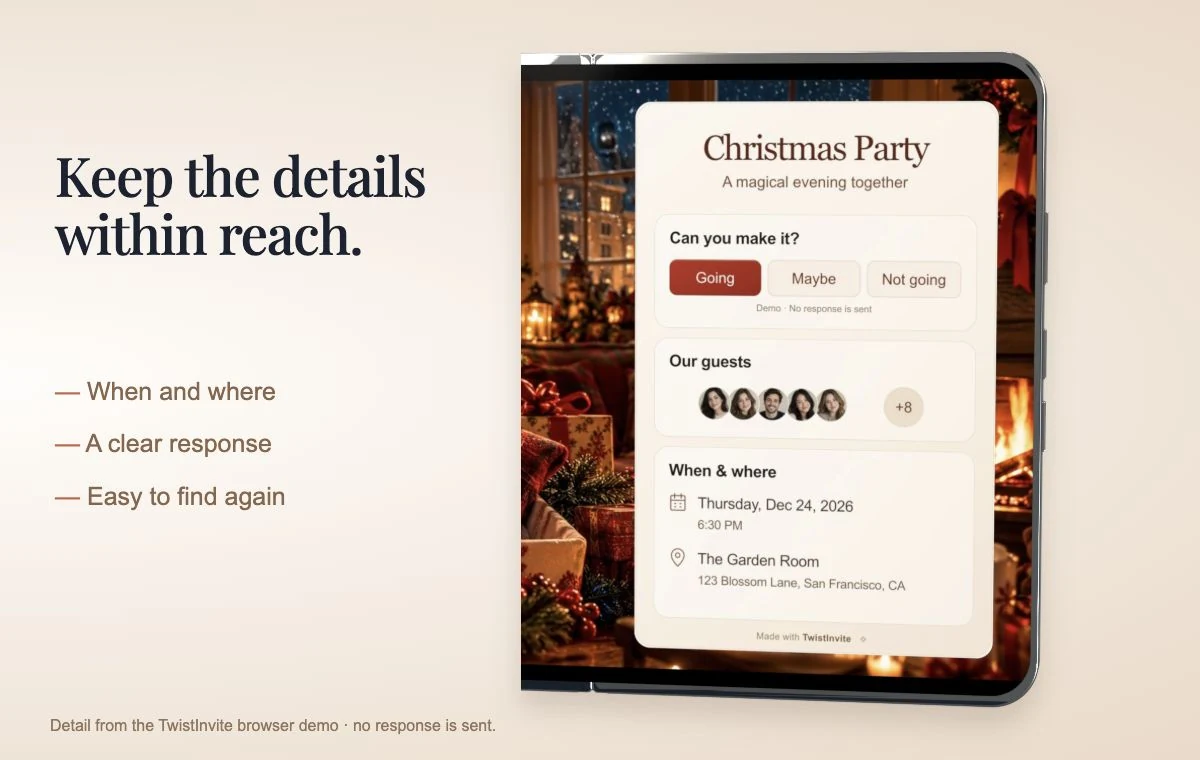
For example, let a short tree-lighting or family greeting set the mood. Keep the event name, date, full address and RSVP deadline in readable event details, with one response route. A message accompanying the link might say:
We’d love to have you for Christmas dinner on December 24 at 6:30 PM. Open the invitation for our address and a little welcome from us, then please RSVP by December 17 with the number coming.
Our Christmas folding-invitation example illustrates a scene alongside an RSVP panel. Its controls are a local demonstration, so use your own event invitation to collect actual replies. Before sending, check that the response route is clear both before and after the video plays.
Make a sample invitation feel like yours.
Choose a design, edit the event details, and preview the invitation. No reply is sent.
Browse Christmas invitation designs for the occasion, and use our guide to sending video invitations across phones if your guest list mixes iPhone and Android. Decide whether you are sending an invitation link or a video attachment before you tell guests where to respond.
Getting the Last Replies In
Even with a clear deadline, a few people will not answer. A plan for the last week:
- Two days before the deadline: a short reminder to everyone who has not replied. “Quick reminder: RSVP for Saturday’s party by Wednesday. Here’s the link again.”
- The day after the deadline: a personal message to the people still missing. One line, no guilt: “Are you able to make it Saturday? Need numbers for food.”
- Count Maybes as half. If you have ten Maybes, plan for about five extra people.
Our RSVP reminder wording guide has more messages for different tones, and how to get guests to RSVP covers what to do before you even need a reminder.
Plus-Ones, Kids and Changes
- Be explicit. “Partners welcome” or “This one is adults only” saves awkward replies. Ask for the total number in the party either way.
- Make changes easy. Tell guests they can update their answer if plans change. A late “Can’t make it” is far better than an empty chair.
- Keep a waitlist. For a dinner with fixed seats, note a few people you can invite if someone drops out.
Putting It Together
- Pick a Christmas design in the TwistInvite app and add the date, time and address. Add a family photo, a short video or a song if you like.
- Write the RSVP line with a deadline, and decide whether to ask for party size and email.
- Share the link by WhatsApp or SMS, or paste it into the family or team chat.
- Check the replies in the app, send one reminder before the deadline, and message the last few personally.
Ready to set it up? Open the Christmas designs in TwistInvite and start with the date and deadline. For more December ideas, see all our Christmas invitation guides, our RSVP guides and the Christmas party invitation wording bank.
Frequently Asked Questions
How far in advance should you RSVP for a Christmas party?
Reply as soon as you know, and by the date on the invitation. Hosts usually set it one to two weeks before the party so they can shop or confirm numbers with a venue.
What is a good RSVP deadline for a Christmas party?
About one week before for a home party with food, 10 to 14 days before for a catered or restaurant party, and three to five days before for a drop-in.
What should a Christmas party RSVP ask?
Whether the guest is coming and how many people are in their party. Ask for an email address only if you plan to send updates.
Do guests need an app to RSVP to a TwistInvite invitation?
No. Guests open the link in their browser and answer Going, Can’t make it or Maybe without downloading anything or creating an account.
How do I handle guests who say maybe?
Ask them to update their answer by a set date, send one reminder, and plan food for about half of the Maybes.
Create it in the TwistInvite app
Download free on iPhone or Android, then share one link with your guests.