
Baby shower video invitations add a human moment before the logistics: a wave from the nursery, a laugh between partners, a quick “we can’t wait to celebrate with you.” Motion works when it supports the invite—never when guests must rewatch a long clip to find the address.
This page focuses on the video experience: what to film, how long to keep it, and how to pair motion with readable details and RSVP. Delivery and sharing mechanics live on digital baby shower invitations. Broader style inspiration lives on baby shower invitation ideas.
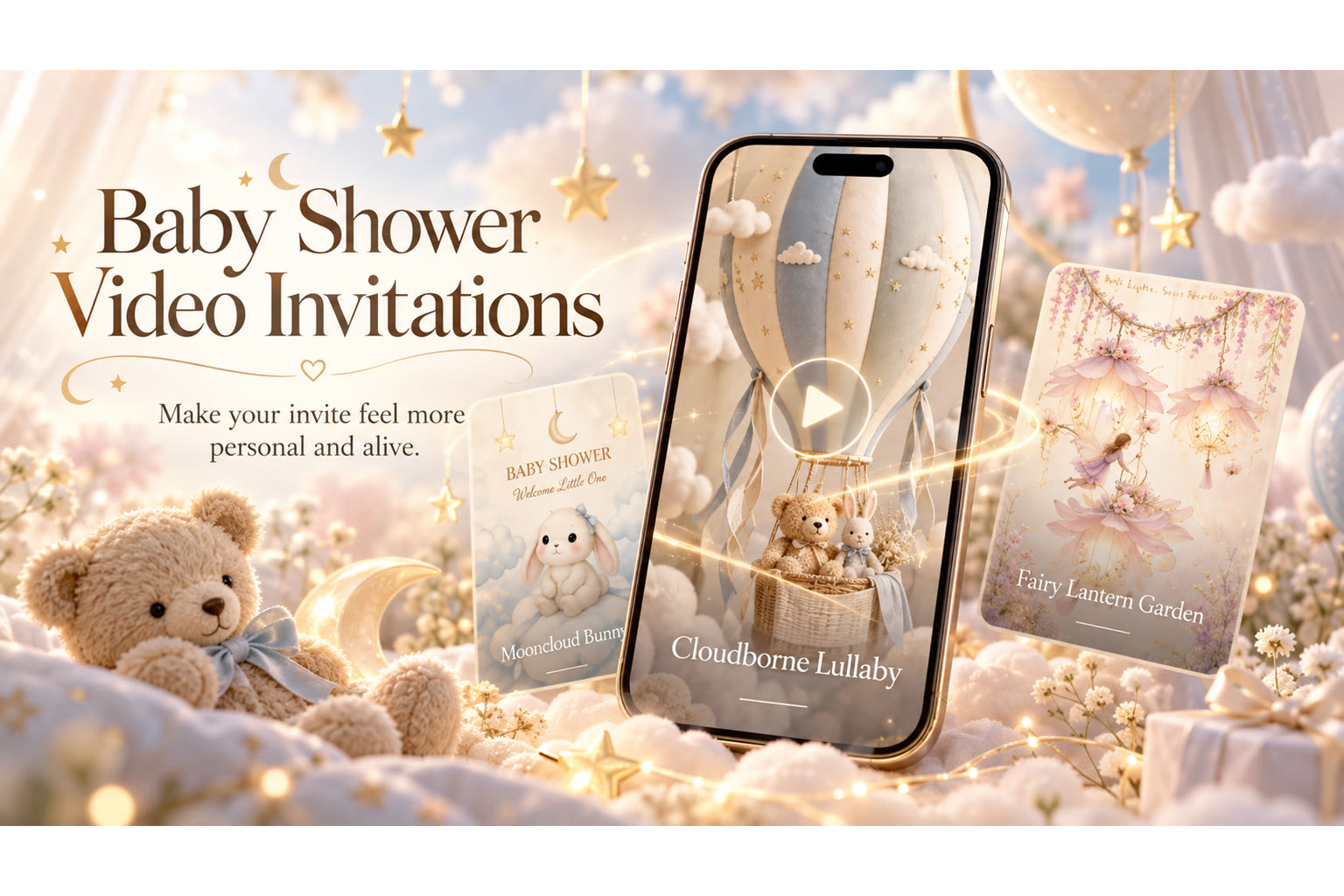
When Video Helps a Shower Invite
Video is especially useful when:
- Distant grandparents will love seeing faces.
- The shower has a strong theme worth a three-second visual hello.
- Hosts want warmth without writing a long paragraph.
- Parents-to-be can’t attend every planning meeting but can record a thank-you.
- A coed or twin shower needs a human tone that static clipart can’t carry.
Skip long cinematic trailers. A short, sincere clip—within about 15 seconds on free plans—beats a complicated production. If the only goal is listing the address, a still invite is enough; use video when emotion is the missing piece.
Keep Logistics Outside the Fine Print of the Film
Show the celebration title, names, date, time, and place as on-screen text or in the surrounding invite frame—not only spoken once in audio. Guests mute videos in public; they still need the facts. After the clip, RSVP should be one tap away: Going, Can’t make it, or Maybe, without an account.
Never rely on a whispered suite number in the last second of audio. If it matters, put it in type.
What to Film (Simple Ideas)
- Parents-to-be saying hello from a calm corner of home.
- A slow pan across the shower dessert table or floral setup (if already styled).
- A host welcome: “You’re invited to celebrate [Name].”
- A themed prop moment—teddy, bunny, tiny pumpkin—kept gentle, not chaotic.
Use your own media. Import audio if you have a meaningful clip; hold-to-record where available for a quick voice note. Free plans include short video message lengths—plan a concise hello rather than a mini documentary.
Length, Sound, and Accessibility
Aim short enough that guests finish it. Soft background sound is fine; loud music that drowns speech is not—especially since TwistInvite is not a stock music library product. Add captions or on-screen text for key facts when you can. Assume some guests will watch without sound.
Featured TwistInvite DesignWe Can Barely Wait Baby ShowerA celebratory baby shower frame that pairs beautifully with a short video hello—motion that feels personal without replacing the details guests need.Explore InvitationsPairing Video With Theme and Still Design
A woodland shower can open on a soft forest illustration, then cut to a live hello. A fairy theme can use a gentle sparkle frame without strobing effects. Match motion energy to the event: tea party calm vs. lively coed backyard. Theme pages help with mood; video should not invent a second theme.
Privacy and Sensitivity
Ask before including ultrasound footage or medical details. Not every guest list should see intimate images. Keep gift talk out of the video script if it feels awkward—put registry on the invite text instead. Avoid filming inside a home you wouldn’t show acquaintances, and skip kids’ faces if parents prefer privacy.
How Video Fits the Host Workflow
- Write logistics in the invite template first.
- Record a short hello on a phone in good light.
- Attach or embed within your digital invite flow.
- Preview muted and unmuted.
- Share the link; collect RSVPs in one place.
General craft tips also appear in how to make a video invitation. For shower-specific sending, stay with this page plus the digital guide.
Explore animated baby shower invitations and other options in the video invitation maker. Baby shower video invitations succeed when guests feel welcomed in seconds—and still know exactly when to arrive.
Script Templates for a 15-Second Hello
Hi friends—we’re so excited to celebrate with you at [Parent]’s baby shower on [Date]. Details and RSVP are on this invite. Can’t wait to see you!
We’re the hosts, [Names]. Join us [Date] at [Place] to shower [Parent] with love. Open the invite for time and RSVP.
Practice once. Smile. Stop before you list the registry aloud—keep that on-screen.
Lighting and Framing Without Pro Gear
Face a window. Hold the phone steady—horizontal if the invite frame expects landscape; vertical is fine for a simple selfie-style hello. Wipe the lens. Silence notifications so a ping doesn’t land mid-sentence. Frame from mid-chest up; leave a little headroom; avoid strong backlight that silhouettes faces.
One quiet take with clear speech beats five stylish takes with traffic noise.
When Not to Use Video
If parents are camera-shy, a still invite with a warm photo is enough. If bandwidth is limited for some guests, keep video optional or very light. If you’re already past the ideal send window, don’t delay another week chasing the perfect clip—ship a clear still and add a thank-you video later if you want.
Motion is a gift, not a requirement for a valid shower invite.
Combining Video With Theme Art
Let the template carry woodland, fairy, or fall art; let the video carry human faces. Two competing “main characters” confuse the eye. One illustrated open, one live hello, then RSVP. If theme art is already busy, film against a calm wall so motion doesn’t add clutter.
Story Beats That Work in Under Fifteen Seconds
Beat one: faces and names. Beat two: “you’re invited to the baby shower.” Beat three: smile and point guests to the details on the invite. Anything else is optional garnish.
If both parents speak, alternate short lines rather than overlapping. If a host speaks, introduce themselves once. Background kids or pets are charming until they drown speech—film a quiet take.
Editing Discipline
Don’t chase cinematic color grades. Don’t claim a stock music library the product doesn’t include—if you import audio, keep volume under the voice and use audio you have rights to. Export or attach within the invitation flow your product actually supports, then watch it on cellular data once. Cut anything after the smile that doesn’t earn its seconds.
Guest Playback Reality
Many guests will watch muted in a meeting or on a bus. On-screen text is not optional decoration; it is accessibility. After playback, the RSVP control should be obvious without replaying. If your clip only makes sense with sound, add captions or on-screen lines before you send.
Choosing Still vs. Motion for Different Guests
Grandparents who love faces will replay a short hello. Coworkers on mute may only skim text. Build for both: motion for warmth, text for facts. If you must pick one constraint, protect readability first—then add video if energy remains.
Hosts sometimes film three takes and use none. Pick the second-best take with clear audio rather than chasing perfection while the send date slips.
Product Boundaries Worth Respecting
TwistInvite supports your own media, imported audio, and hold-to-record where available, with free tiers that include short video message limits and a capped number of events per month. Plan the creative within those boundaries instead of promising a desktop editor, stock music catalog, or unlimited production time that isn’t part of the product story.
Closing Thought for Video Invites
If the clip makes someone smile and the text makes someone show up, you’ve done enough. Ship the warm take. Explore layouts in the video invitation maker, and keep static delivery notes on digital baby shower invitations when motion isn’t the right tool.
Video Invite Walkthrough
- Write text logistics first.
- Film one quiet hello (~15 seconds).
- Attach your own media within supported limits; import audio only if it helps.
- Watch muted; confirm RSVP still obvious.
- Send—resist reshooting for minor wardrobe doubts unless audio is unusable.
Create it in the TwistInvite app
Download free on iPhone or Android, then share one link with your guests.