
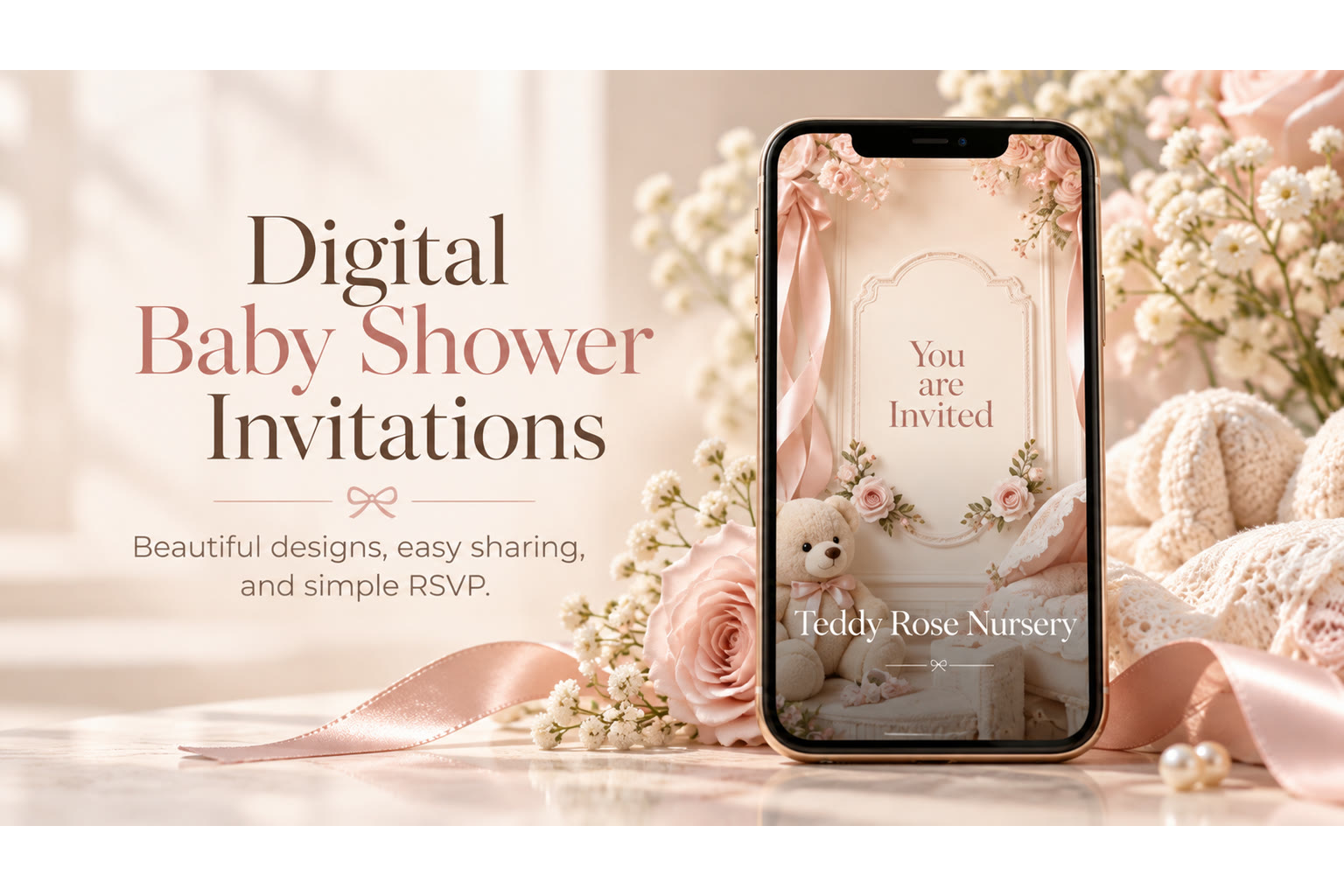
Digital baby shower invitations are built for real guest lists: grandparents in another state, friends juggling nap schedules, and coworkers who live in group chats. A link on a phone can carry the same warmth as paper—if the design is readable, the details are complete, and RSVP is obvious.
This guide focuses on delivery, mobile experience, sharing, and RSVP—not theme inspiration or long wording libraries. For motion-first invites, see baby shower video invitations. For the broad hub, see baby shower invitation planning guide.
Why Digital Fits Baby Showers
Showers often involve mixed ages and scattered locations. Digital invites help when:
- Someone needs the address again while driving.
- The suite number changes two days before.
- You want RSVPs in one list instead of translating emoji replies.
- Out-of-town guests decide late and still need parking notes.
Paper can still be lovely for a few keepsake copies. Many hosts do both: digital for the list, printed cards for elders who prefer fridge magnets.
What Guests Experience on Mobile
Guests should open the link, see who’s being celebrated, find date/time/place quickly, and RSVP Going / Can’t make it / Maybe without creating an account. That’s the bar. If they must pinch-zoom tiny text or hunt for a reply button, the invite isn’t mobile-first yet.
Keep key lines near the top. Put registry and dress code after logistics. Test the link on your own phone—and once on cellular data—before you send it to fifty people. If grandparents will open it on a small screen, increase type size before you add another illustration.
Sharing Without Chaos
Share by text for close family, by group chat for friend circles, and by email when workplaces prefer it. One canonical link beats forwarding screenshots that crop the RSVP. If someone asks “what time again?”, resend the same link rather than typing a new summary that might miss a detail.
For hosts collecting replies in one place, a dedicated RSVP website style flow keeps Going / Can’t make it / Maybe answers organized.
RSVP on Digital Invites
Clear response options matter more than clever phrasing. TwistInvite uses Going, Can’t make it, and Maybe—simple enough for busy guests. Add a deadline on the invite and a short reminder path for pending replies. Copy ideas live on baby shower RSVP wording. Timing context lives on when to send baby shower invitations.
Ask for plus-ones only if the venue allows them. If kids are or aren’t welcome, say so once—digital makes that line easy to spot.
Featured TwistInvite DesignReady Set BabyA mobile-friendly baby shower invitation style that reads well on a phone—useful when guests RSVP from texts, group chats, or a shared link.Explore InvitationsPersonal Media Without Overcomplicating
Digital invites can include your own photos, a short video message, imported audio, or hold-to-record where available. Use media to add warmth—parents-to-be waving, a decorated dessert table—not to replace the date line. Free plans include limited monthly events (up to 3) and short video messages (~15 seconds); don’t plan an unlimited media library or stock-music soundtrack that isn’t part of the product.
Rule of thumb: if the media doesn’t help someone feel invited or recognize the hosts, skip it. Clear type beats a heavy gallery.
Etiquette Notes (Practical, Not Invented Rules)
Digital is widely accepted for showers, especially when guests are far-flung. If a traditional relative expects paper, a printed companion card or a personal call alongside the link goes far. Send with enough notice for travel and gift ordering; last-minute digital still needs clear RSVP windows.
Avoid sending from a personal photo dump that exposes private medical details guests didn’t need. Keep ultrasound images opt-in if privacy matters to the parents.
Step-by-Step: From Blank to Sent
- Choose a readable template that matches the shower mood.
- Enter logistics; proof the address aloud.
- Add RSVP deadline and any kids/registry notes.
- Optional: add a photo or short video (own media; stay within free-tier length).
- Preview on mobile; share one link via text or chat; watch replies come in.
Explore baby shower invitation designs or the full video invitation maker. For reply collection patterns, see the RSVP website overview. Digital baby shower invitations succeed when they feel easy to open, easy to answer, and easy to trust.
Accessibility and Older Guests
Digital doesn’t have to exclude elders. Offer to open the link together on a call, or print one page for fridge display while still collecting RSVPs digitally from the wider list. Large type and high contrast help everyone.
If a guest refuses links entirely, capture their RSVP manually and note it in your host list—product tools don’t replace hospitality.
Privacy and Forwarding
Assume invites get forwarded beyond your original list. Avoid door codes, gated-entry instructions you wouldn’t post publicly, or private medical notes. Registry links will travel; that’s usually fine. Ultrasound images and housing details need a parental yes before they ride along on a forwardable card.
Group Chat Hygiene
Post the invite once with a short cover message: “Official invite + RSVP inside—please use the link so we can count heads.” Pin if the chat app allows. Avoid parallel “who’s coming?” threads that diverge from the RSVP list. When someone replies with an emoji only, thank them and enter Going/Can’t make it yourself—or ask them to tap the link once so the list stays accurate.
Updating Details After Send
Changed suite? Update the digital invite and send a brief note with the same link. Don’t rely on guests remembering a chat correction from three weeks ago. Digital’s advantage is a single source of truth—use it. If the date itself moves, say so in the first line of the update message; buried edits get missed.
Etiquette Edge Cases for Digital Showers
Some workplaces block short links; provide a clean secondary path if coworkers are invited. Some relatives prefer a phone call plus the link—do both without apology. If a guest RSVPs in the chat instead of the form, enter it yourself and thank them; tools serve hospitality, not the reverse.
When parents want a surprise element, digital forwarding risk rises. Ask close friends not to reshare publicly, and avoid posting the invite to open social feeds if surprise matters.
Bandwidth and Media Weight
Heavy autoplay video on slow connections frustrates guests. Keep motion optional or short (~15 seconds). A crisp still with clear type beats a gorgeous clip nobody finishes. Compress photos before upload when you can. Plan within free-tier video limits rather than inventing longer productions.
Measuring Success
Success is not open-rate theater. Success is enough confirmed seats to buy the right cake, guests who arrive on time, and parents who feel celebrated. Digital RSVP lists help the first part; kind wording helps the rest. If replies stall, one polite reminder with the same link beats redesigning the motif.
Create it in the TwistInvite app
Download free on iPhone or Android, then share one link with your guests.