
Digital Oktoberfest invitations fit October schedules: guests are juggling travel, kids’ sports, and overlapping fall parties. A link they can open on a phone—and answer in seconds—beats a paper card stuck in a stack of mail.
This guide covers delivery, sharing, and RSVP. Style choice still starts at Oktoberfest invitations; hosting cues live on Oktoberfest party invitations. You can also start from one of our fall party invitations and send it as a single link.
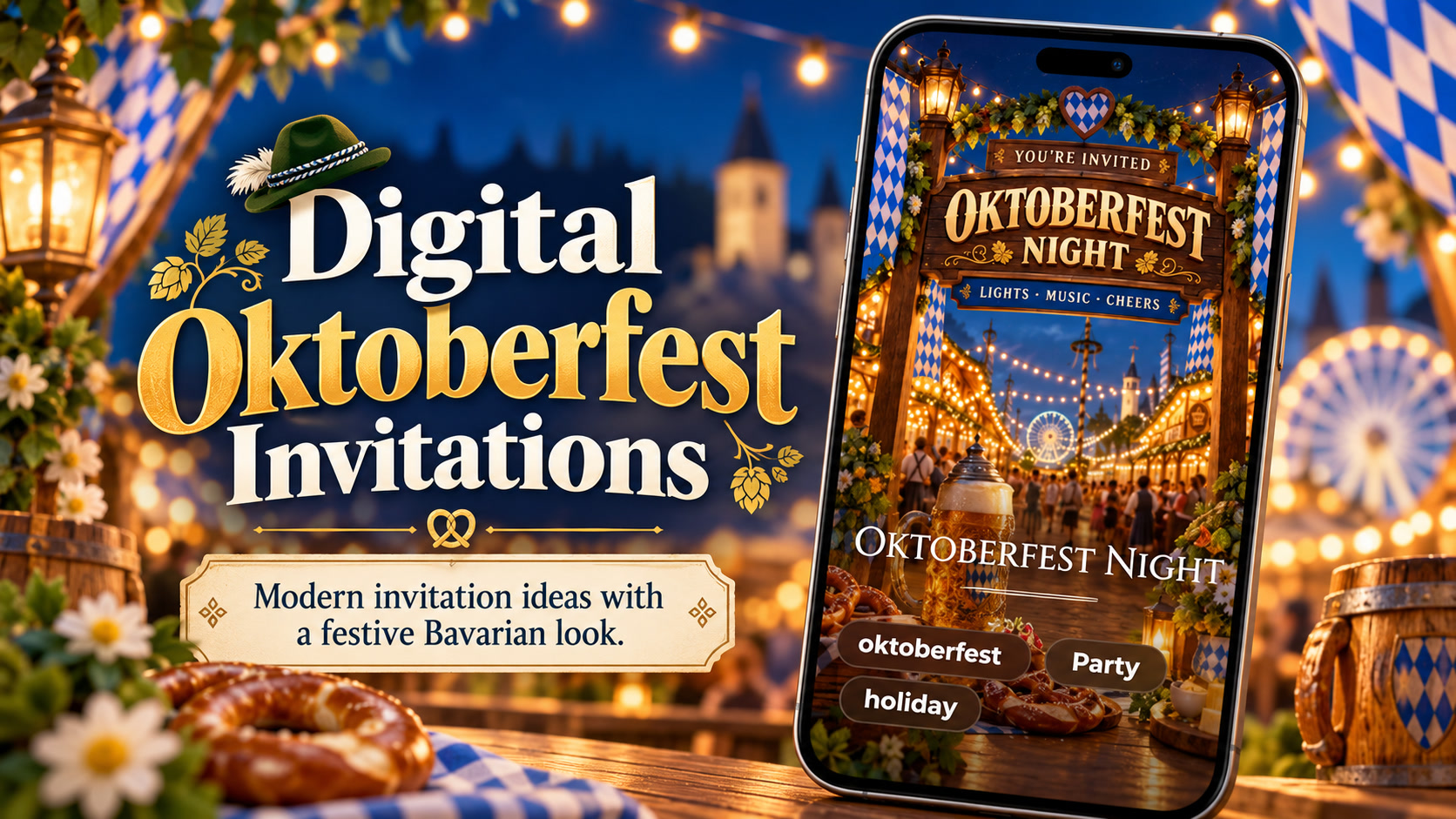
Why Digital Works for Oktoberfest Hosts
- Speed: Send as soon as the rain plan is decided
- Updates: Change patio → garage without reprinting
- RSVP clarity: Going / Can’t make it / Maybe in one list
- Reach: Out-of-town friends get the same invite as neighbors
- Video option: A short cheers using your own media
TwistInvite is mobile-first. Guests can open the invitation and RSVP without creating an account. Free is $0 with up to 3 events per month and 15-second video messages. Import your own audio; use hold-to-record where available. There is no claim of a built-in music library or unlimited free events.
What to Put on a Digital Oktoberfest Invite
Same essentials as paper, optimized for thumbs:
- Host + event name
- Date/time with time zone if guests travel
- Address + map-friendly line
- Dress / food / drink notes
- RSVP deadline and response options
Wording help: Oktoberfest invitation wording.
Sharing Without Losing the Plot
Send via text, group chat, email, or a shared link. Pin the invite in the chat so late adds can find it. If someone forwards casually, your plus-one policy should already be on the invite.
Tradeoff: Broad link sharing is easy; headcount control needs a clear “invitees only” or “plus-one OK” line.
RSVP Flow Hosts Can Trust
Ask guests to respond by a date that gives you shopping and seating time. Online RSVP beats emoji reactions that mean different things to different people. Learn the product overview on the RSVP website and the general guide to online invitations with RSVP.
Video Digital Invites
A 10–15 second clip—host toast, table setup, or dog in a bandana—can set mood. Keep the final frame or caption packed with facts. Create from the video invitation maker.
Timeline Reminder
Two to three weeks ahead for most digital Oktoberfest invites; earlier for costume nights. Use the Oktoberfest party planning checklist to connect send date, RSVP deadline, and day-of tasks.
Digital Oktoberfest invitations are hospitality that travels. Make the first screen clear, make RSVP obvious, and let the festival design do the rest.
Guest Journey: From Link to RSVP
- Guest receives a text or chat link.
- Opens on mobile—first screen shows title, date, and a clear RSVP affordance.
- Reads dress and food notes.
- Chooses Going, Can’t make it, or Maybe—without creating an account.
- Optionally leaves a note (allergies, plus-one) if you asked for one.
- Receives any host update (rain plan) on the same invite link.
Design your digital Oktoberfest invitation for that path. Anything that interrupts steps 2–4—tiny text, buried buttons, mandatory sign-up—costs you accurate headcount.
Platform Sharing Tips
Group chats. Pin the invite; repost once near the deadline. Email. Use a subject with the date; avoid image-only emails without HTML text fallback. QR codes. Useful on printed posters at work; still point to the same digital invite. Forwarding. If your link is publicly forwardable, state plus-one rules up front.
Accessibility and Inclusion on Digital Invites
- Do not rely on color alone for “beer garden outdoor” warnings
- Provide text alternatives if key facts appear only inside a video
- Mention NA options in text, not only in a beer photo
- Keep flashing motion optional and mild
Privacy and Guest Comfort
Digital does not mean public. Share thoughtfully in large workplaces. Avoid posting private home addresses in public social captions; send the full invite link in direct messages instead. If the party is a surprise, confirm recipients before broadcasting to a wide channel.
Comparing Digital vs Paper for Oktoberfest
| Need | Digital advantage | Paper advantage |
|---|---|---|
| Rain plan changes | Instant update | Reprint / rewrite |
| Out-of-town guests | Equal access | Shipping delays |
| Costume lead time | Easy early send + reminder | Keepsake feel |
| Elders who prefer fridge magnets | Can still print a PDF screenshot | Tangible card |
| RSVP tracking | Structured Going/Can’t make it/Maybe | Manual tally |
Many hosts do both: digital for the list, a few printed cards for parents or keepsake tables.
Metrics That Matter (Without Creepiness)
You need response rate and headcount—not vanity open rates. If Maybes dominate, clarify the ask (“Please choose Going or Can’t make it by Friday if you can”). If Can’t make it spikes after you add “costumes required,” consider softening dress language and resending an update.
Product Truth Recap for Digital Hosts
TwistInvite focuses on mobile-first digital and video invitations. RSVP options are Going, Can’t make it, and Maybe. Guests can respond without an account. Use your own media; import audio; hold-to-record where available. Free is $0 with up to 3 events per month and 15-second video messages. Do not expect a stock music library, browser-based editor claims beyond what the product provides, unlimited free events, or registry ecommerce on the invite.
When digital logistics are clear, return to wording and hub pages for tone and style. Delivery is this page’s job—make the path to “Going” effortless.
Reminder Cadence That Does Not Annoy
- Day of send: full invite
- Midway to deadline: soft nudge only to non-responders if your tool allows, or a chat note with the same link
- 48 hours before: optional weather + parking reminder to Going list
Avoid daily pings. Digital convenience dies when hosts spam.
Troubleshooting Digital Oktoberfest Invites
Low open rate. Lead with date in the text message, not only inside the link. High Maybe rate. Ask a clearer question; add “If you’re 50/50, please choose Maybe by Wednesday and update by Friday.” Guests cannot find dress code. Move it higher; shorten the vibe paragraph. Video won’t play for some guests. Ensure text logistics exist without the video.
Security and Address Sharing
Private homes deserve private distribution lists. For large community Oktoberfest events in public parks, a public page plus digital RSVP can work—still omit sensitive gate codes until Going is confirmed if needed.
Create it in the TwistInvite app
Download free on iPhone or Android, then share one link with your guests.