
What to put on a baby shower invitation is less about decoration and more about preventing follow-up texts. Guests should see who, when, where, and how to reply in a few seconds. Optional extras—registry, dress, kids policy—earn a place only when they change someone’s plan.
This is a checklist page. For phrasing, use baby shower invitation wording. For send dates, see when to send baby shower invitations. For reply language, see baby shower RSVP wording.
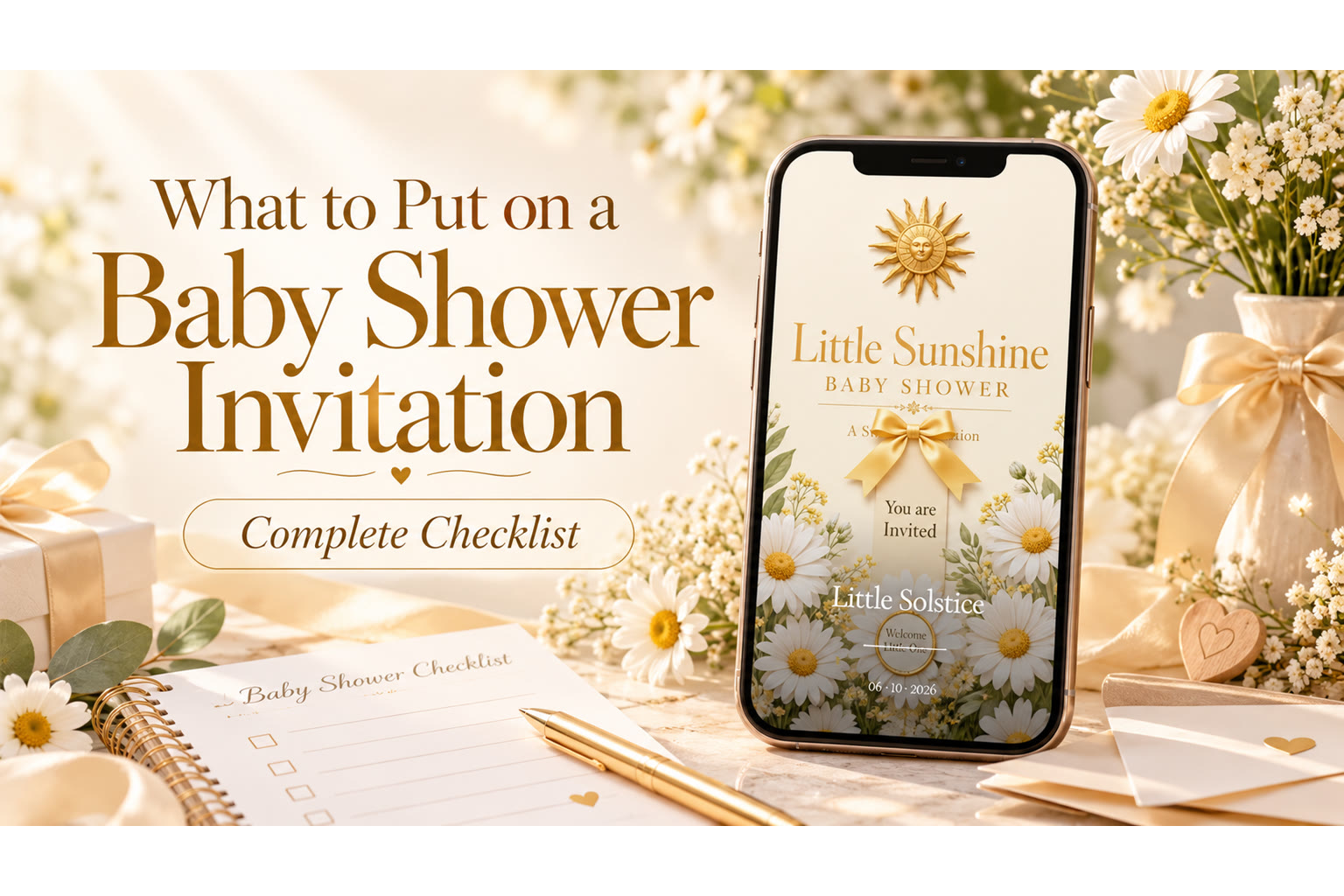
The Essentials (Always)
- Parent(s)-to-be name(s) — who is being celebrated.
- Host name(s) — who is inviting; useful for gifts and thanks.
- Event label — baby shower, coed shower, or sprinkle.
- Date and start time — include time zone if guests travel.
- Venue name and full address — suite, backyard, or park pavilion notes.
- RSVP deadline and method — date plus how to reply.
If any of these are missing, expect clarifying messages.
Strongly Recommended When They Apply
- Full street address and unit/suite for private homes or large complexes
- Host contact for day-of questions (one number or email—not five)
- Registry link or “registry upon request”
- Parking, gate, or building entry notes guests truly need
- Kids-welcome or adults-only line
- Dress vibe when the venue punishes wrong guesses (garden tea vs. brewery backyard)
If it changes a guest’s packing, travel, or gift decision, include it. If it’s host-only trivia, leave it off.
Optional and Situation-Specific
- Baby name (only if parents are sharing)
- Shower games mention (only if central to the plan)
- Meal type (brunch / tea / dinner) when it affects timing and dress
- Rain backup for outdoor showers
- Zoom link for hybrid guests (keep primary in-person details first)
- Co-host names when gifts or thanks should route correctly
What You Can Skip
Poems that delay the address. Multiple competing hashtags. Private medical details. Exhaustive gift preference essays. Duplicate maps in three formats on a tiny digital card. Ultrasound images unless parents want them public.
Featured TwistInvite DesignReady Set BabyA clear, detail-friendly invitation layout that helps hosts see what belongs on a baby shower invitation—names, timing, registry notes, and RSVP without visual clutter.Explore InvitationsDigital Layout Order
Recommended mobile order: celebration title → parents’ names → date/time/place → RSVP → registry/dress/kids → warmth line or media. Guests scrolling on a phone should never swipe twice to find the hour.
Put decorative video or photos where they don’t push logistics below the fold on a small screen—or keep a text summary above the media.
Sample Information Block
Baby shower for [Parent Names]
Hosted by [Host Names]
Saturday, [Date] · 2:00 PM
[Venue], [Street], [City]
Adults-only · Parking in rear lot
Registry: [link]
Please RSVP by [date]
Copy tone from the wording hub; keep this page focused on completeness.
Proof Before You Send
Read the address aloud. Confirm the host spelling. Click the registry link. Check that the RSVP date isn’t after the shower. Ask someone who isn’t planning the party to skim it on a phone.
Explore putting the checklist onto a sendable design in the video invitation maker. When you know what to put on a baby shower invitation, guests spend their energy celebrating—not decoding.
Host Information Architecture
Think like a guest skimming on a sidewalk. First screen: celebration + date/time/place. Second: RSVP. Third: registry and extras. If your design tool stacks art above everything, ensure a text block still carries essentials.
Co-Host Checklist Pass
Have a co-host verify: correct city, correct year (easy to miss in January), working registry link, and RSVP date that isn’t a holiday nobody will notice.
Worked Example: Complete Invite Skeleton
Baby shower for Jordan & Alex Rivera
Hosted by Sam Lee and Priya Shah
Sunday, November 8 · 2:00 PM
The Garden Room, 220 Maple Avenue, Suite B, Portland
Adults-only · Street parking north of Maple
Registry: [link]
Please RSVP by October 25 (Going / Can’t make it / Maybe)
Everything essential sits above the fold of a phone screen. Extras never replace this skeleton.
Red Flags While Editing
If you can’t find the start time in three seconds, redesign. If registry appears three times, cut two. If host names are missing, add them before debating fonts.
Special Cases Checklist Add-Ons
Sip & see (post-birth): change the label; include baby name if announced; adjust gift expectations. Drive-by showers: include car-line instructions and weather notes. Virtual guests: only promise what you can actually host—don’t invent livestream product features; a digital invite can still share celebration details for gift-givers afar.
Final Pre-Send Audit
Names, date, time, address, host, RSVP date, registry link click-test, kids policy, plus-one policy. If those nine are correct, decoration debates can end.
Closing Thought for the Checklist
If a stranger could attend using only your invite, you’re ready to send. Pair with baby shower invitation wording for phrasing and when to send baby shower invitations for timing. There are also separate guides to ballerina baby shower invitations, Winter baby shower invitations, and virtual baby shower invitations.
Using the Checklist With Co-Hosts
Duplicate the essentials list into your planning note. Check items off as fields are filled in the template. Do not mark complete until a second person verifies. Checklist pages exist because talented hosts still forget suite numbers under time pressure.
Checklist for Digital vs. Paper
Digital: include tappable registry and RSVP controls; ensure suite notes survive mobile wrap; test dark-mode contrast if your design tool previews it. Paper: include reply-by date even if RSVP is a phone number; don’t rely on tiny QR codes as the only path for elders without smartphones.
Checklist When Multiple Hosts Edit
Lock a “final fields” note. Only one person uploads changes. Version confusion creates wrong-time disasters more often than bad fonts do.
Quick Reference Card (Memorize These Nine)
Parent names · Host names · Event label · Date · Time · Address · RSVP deadline · Registry if any · Kids/plus-one rules if any. Everything else is optional seasoning.
Edge Case: Changing Details After Print Mentality
Even with digital, hosts psychologically “print” too early. Keep a one-hour freeze before send where only typo fixes happen. If a major venue change occurs after send, update the digital source and message guests with the same link plus a plain-language alert. Checklist discipline reduces how often you’ll need that rescue.
Create it in the TwistInvite app
Download free on iPhone or Android, then share one link with your guests.